Getting Started
Complete guide from creating an account to launching your first routine
Getting Started
Get up and running with Seraa AI immediately. This guide takes you step-by-step through signing up, creating an Engagement for a legal matter, and launching your first routine.
1. Sign Up and Access the System
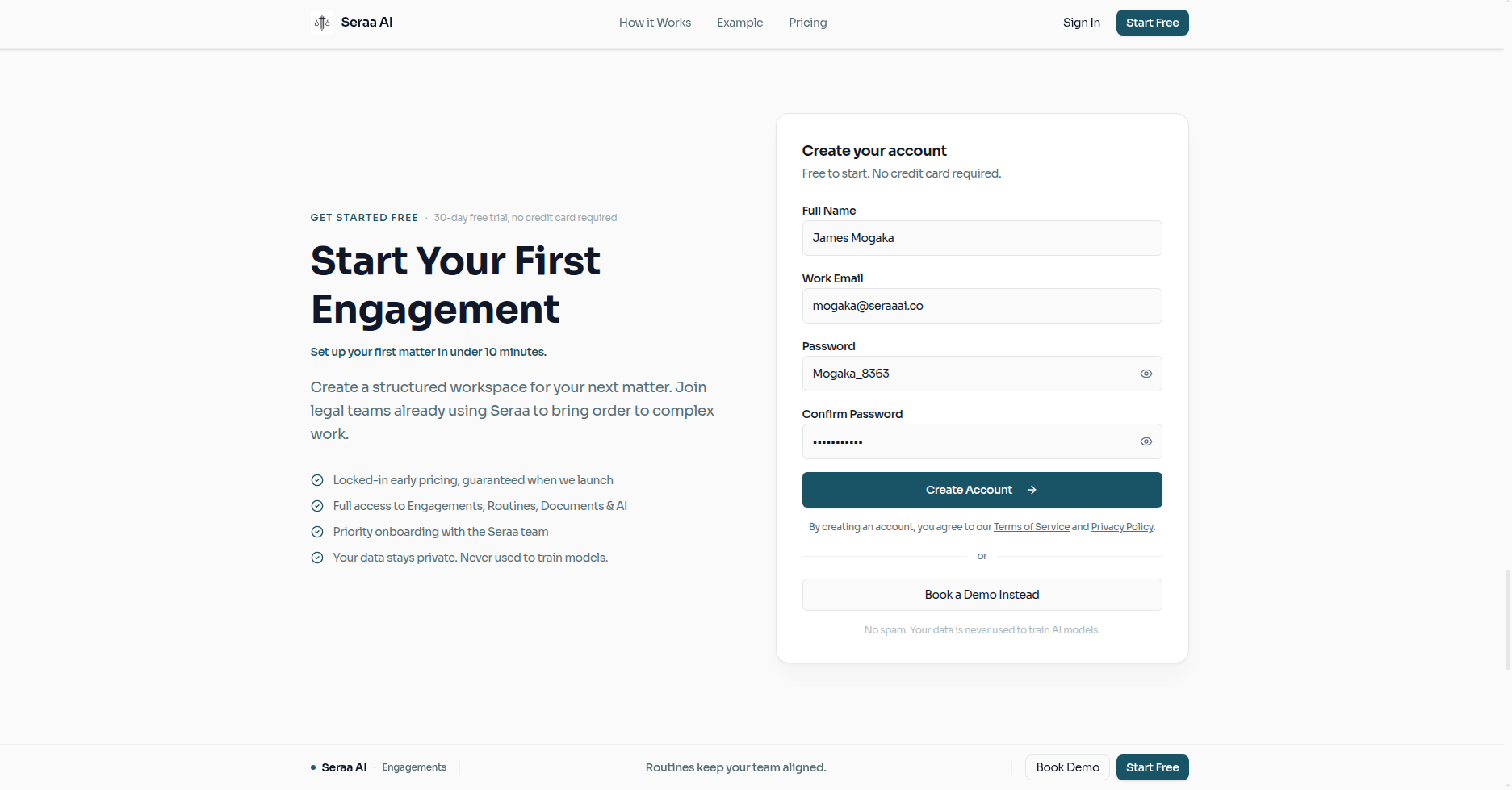
Start by creating your account on the landing page.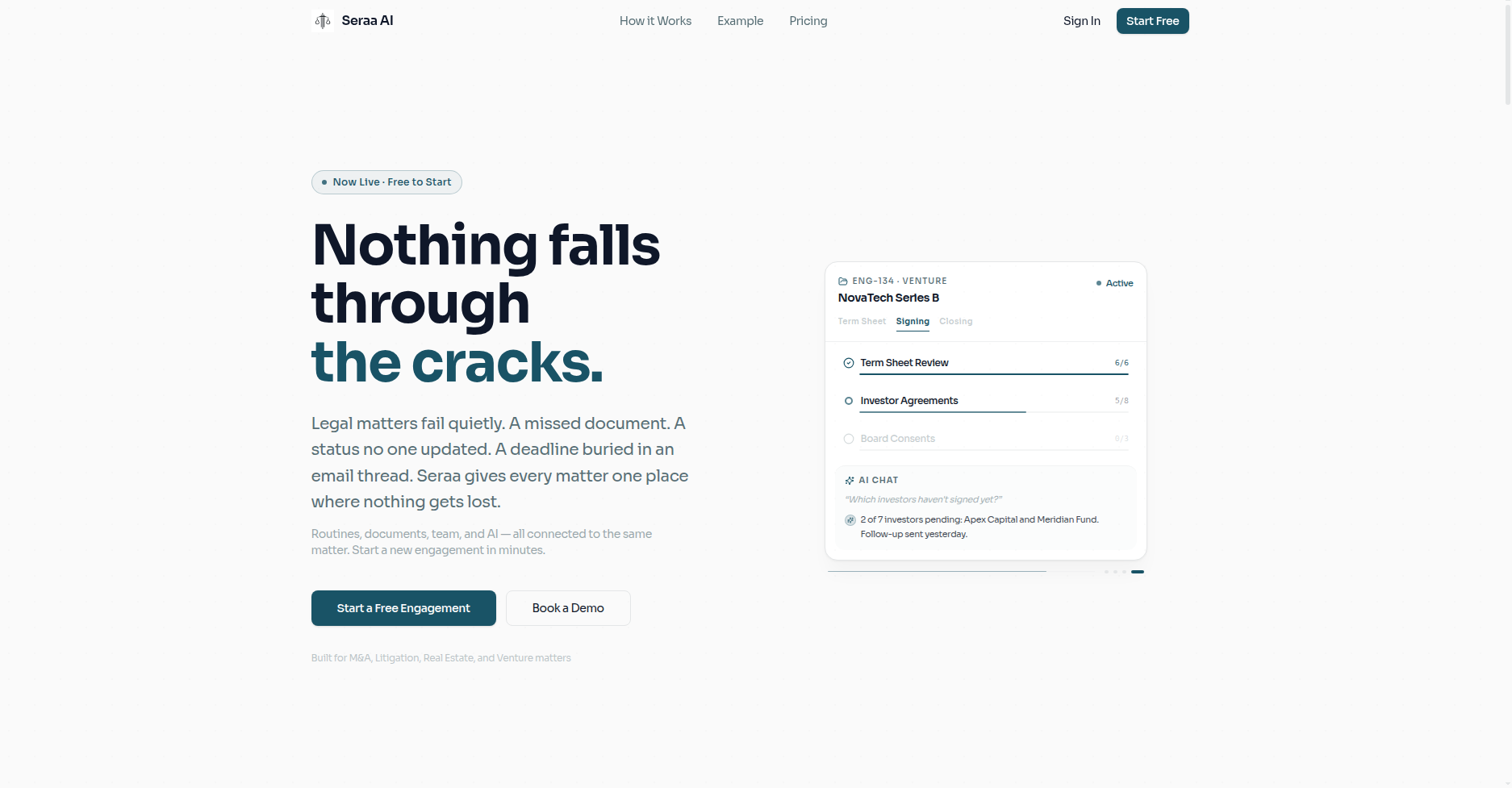
Fill out your details to sign up for your firm's workspace.
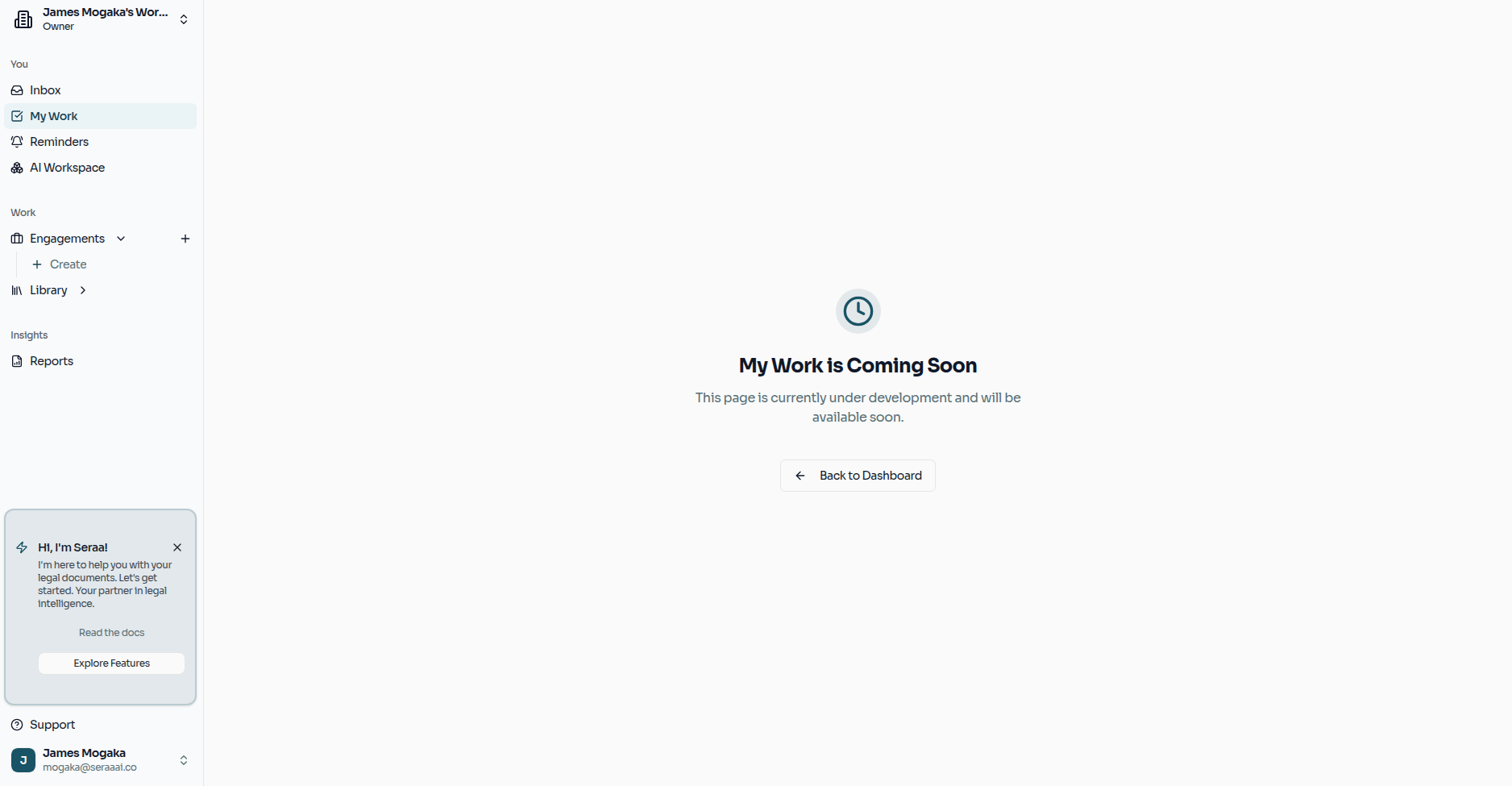
Once signed in, you will arrive at your main Dashboard. This is your command center for all matters.
2. Create an Engagement
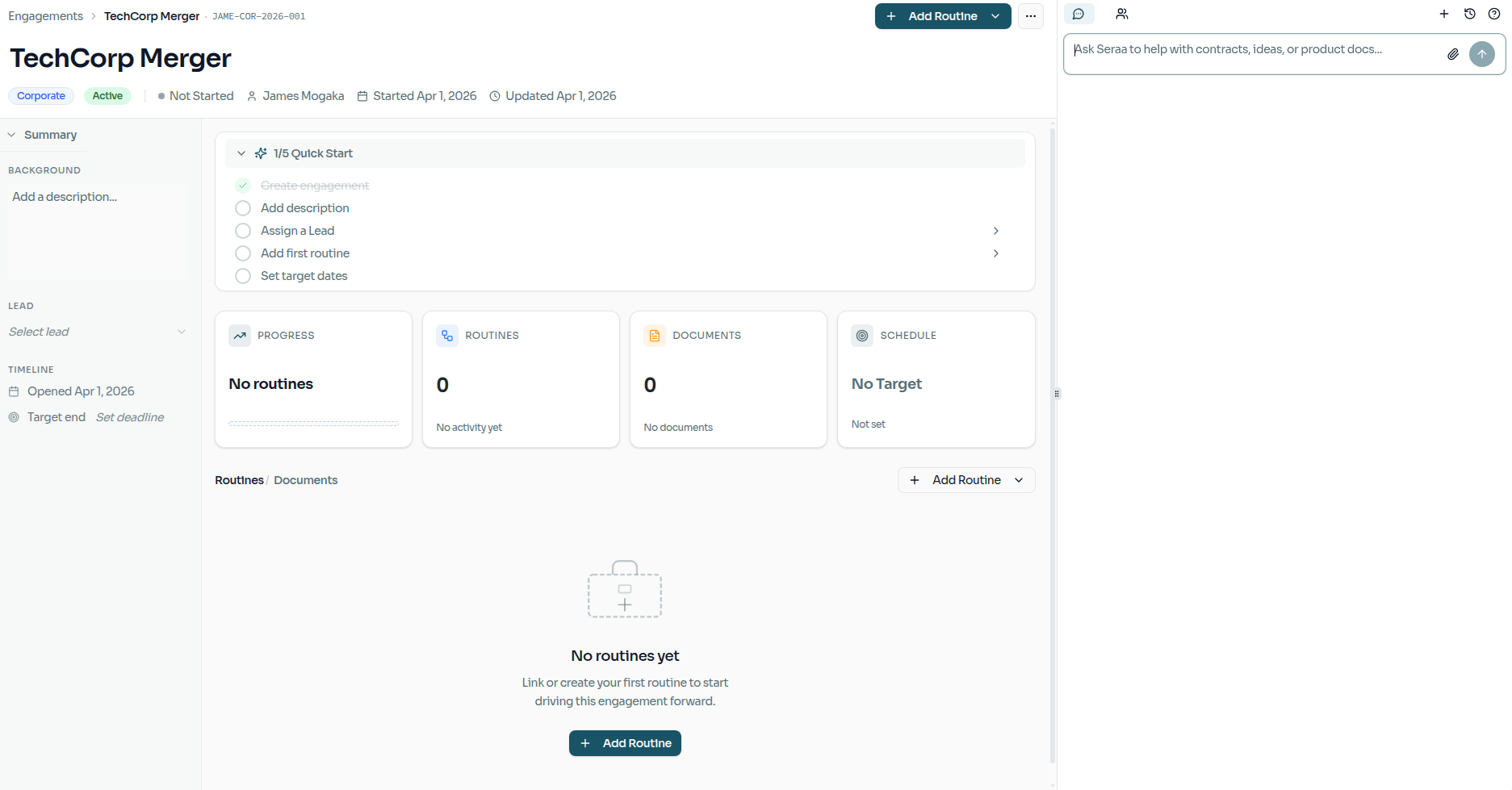
An Engagement is the master container for a specific legal matter.
- Click "New Engagement" from the dashboard.
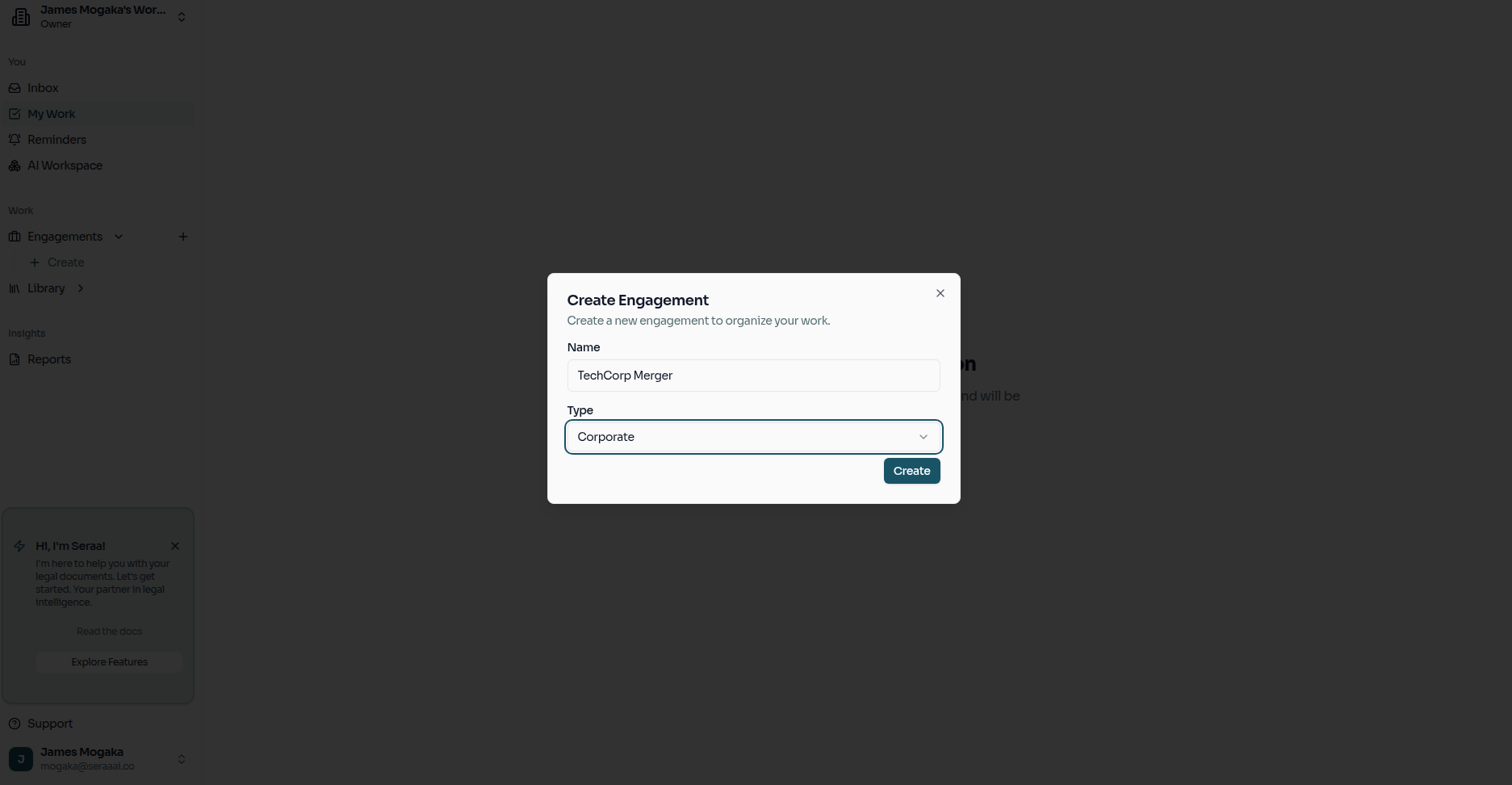
- Choose an Engagement Type for the matter.
- Enter the matter name and a brief description.
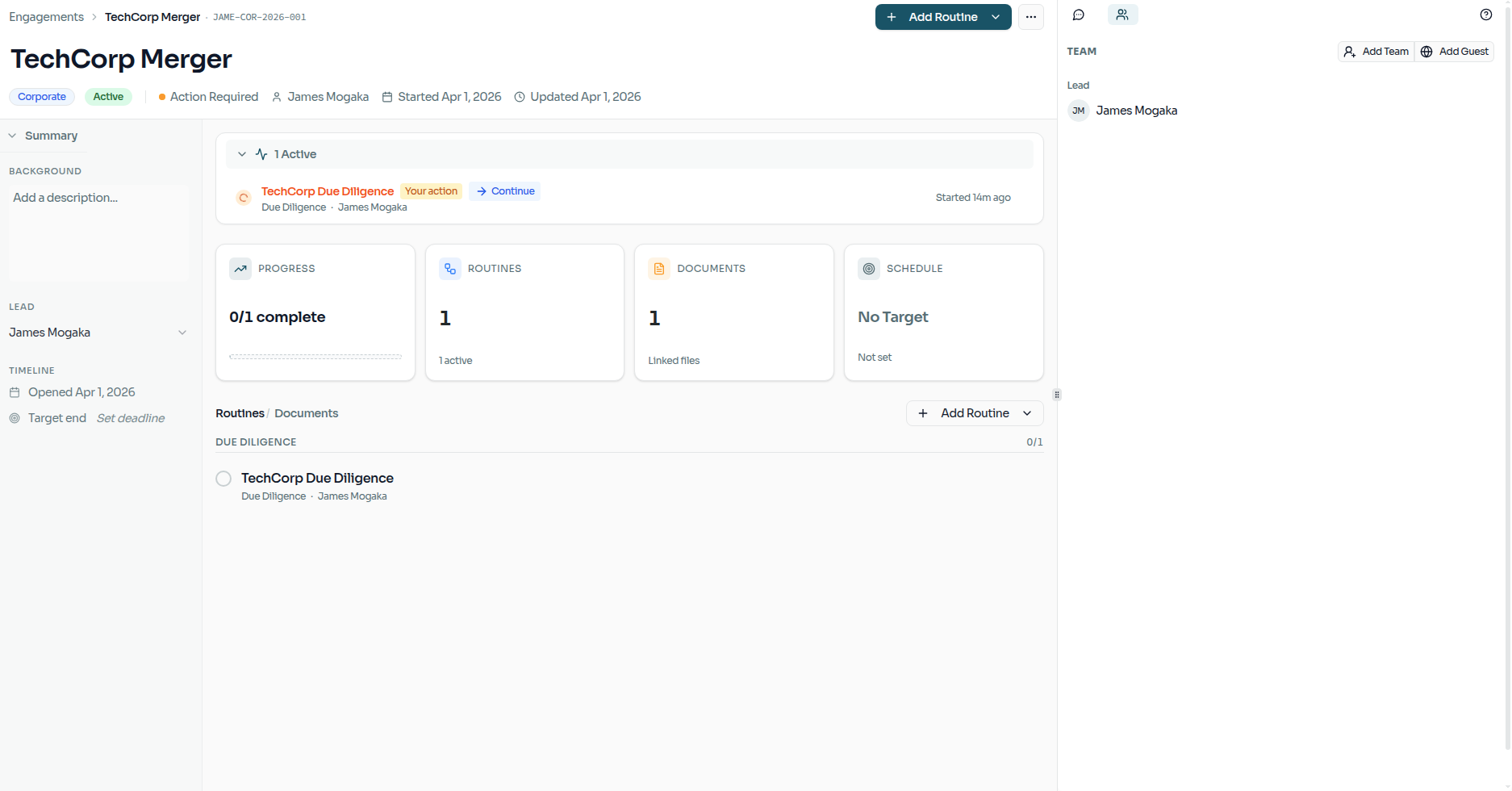
Once created, you will be taken to the Engagement's dedicated dashboard.
3. Invite Collaborators
Bring your legal teammates into the matter.
- Go to your Engagement's Collaborators tab.
- Add teammate emails and assign access roles (Owner, Lead, Member, Observer).
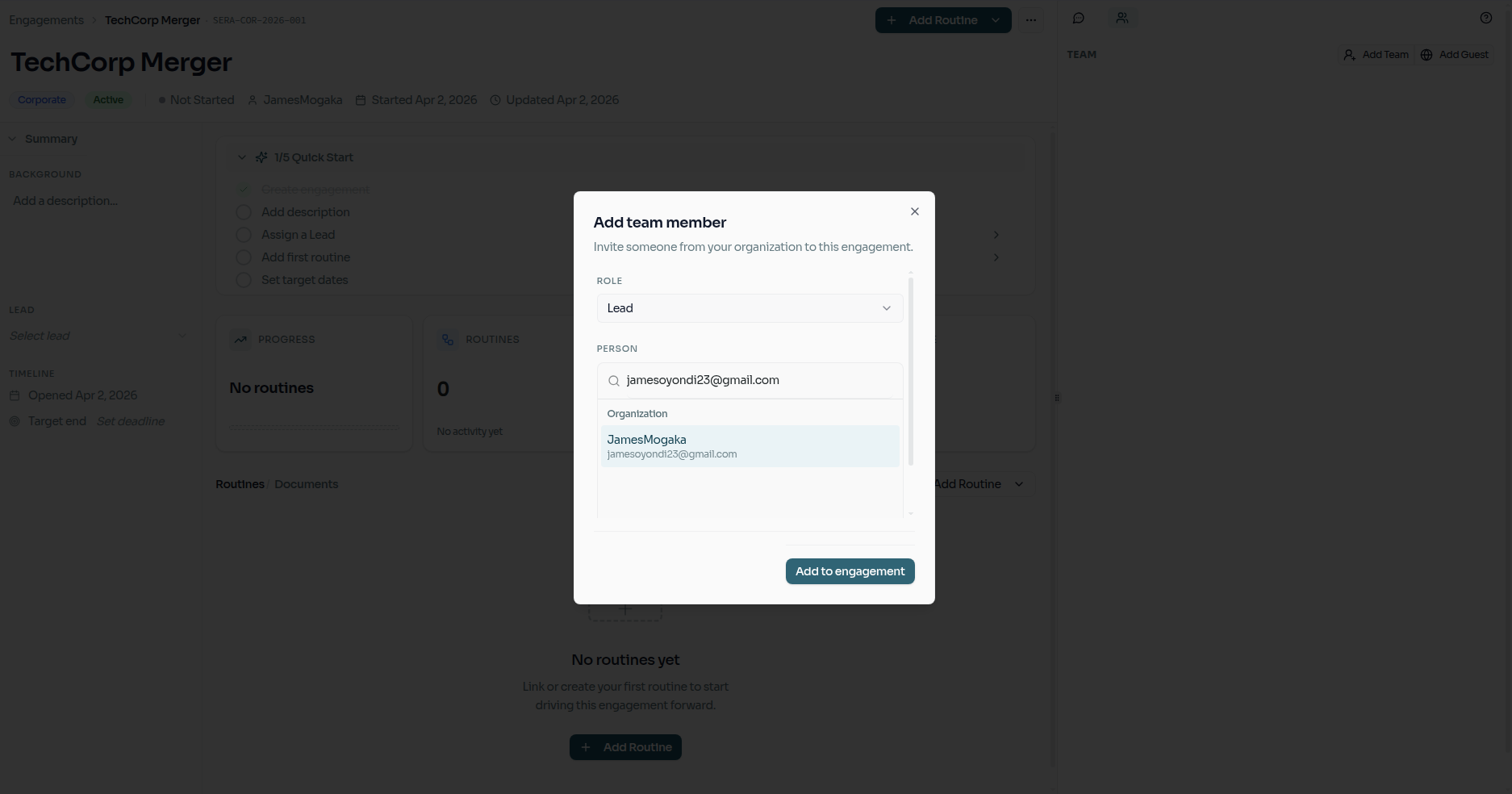
- Collaborators will only see the data their roles grant access to.
4. Create a Routine
Routines are automated workflows that run inside your Engagement.
- Open your newly created Engagement.
- Click "Add Routine" to proceed and create a new routine from scratch.
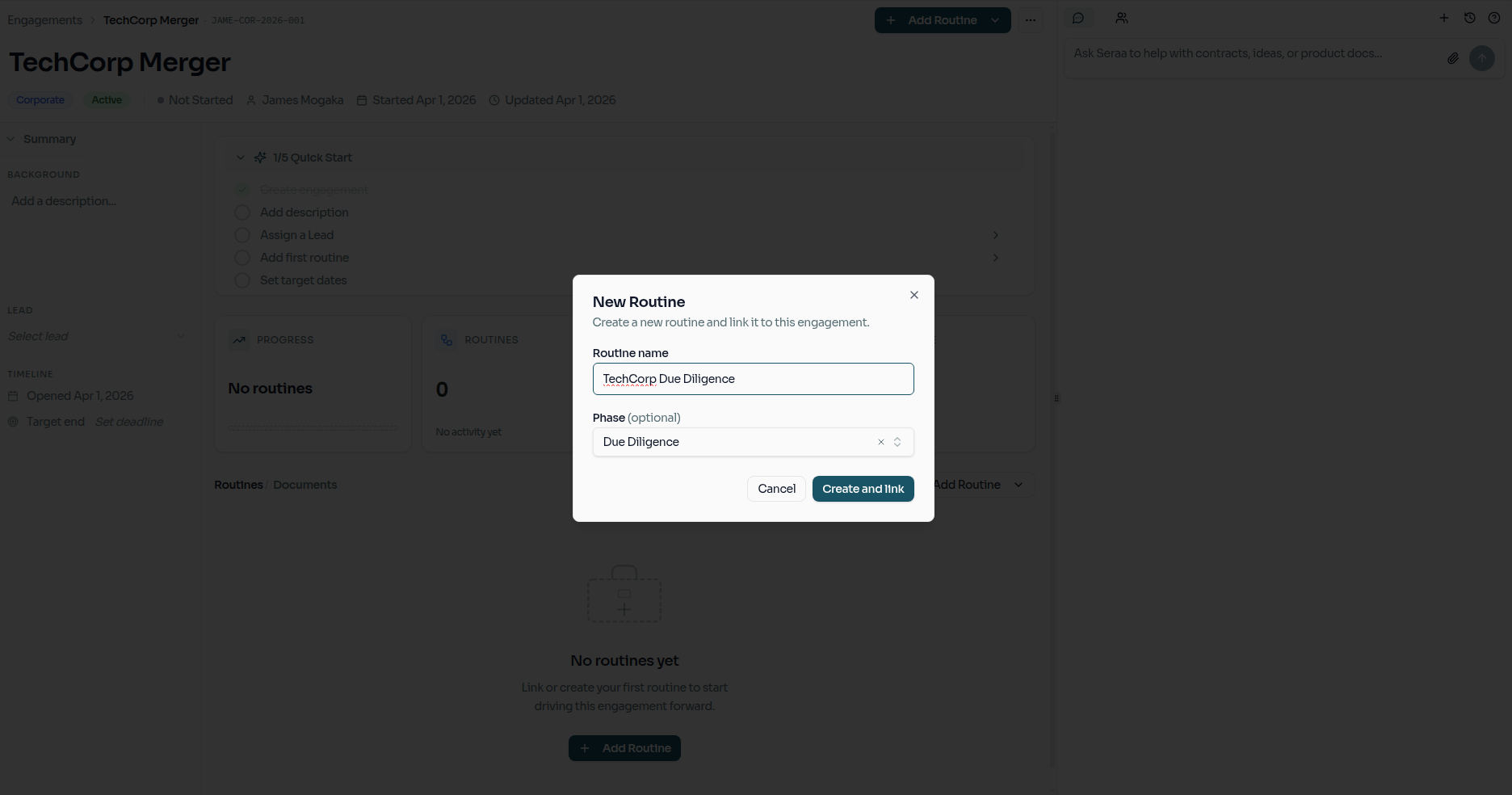
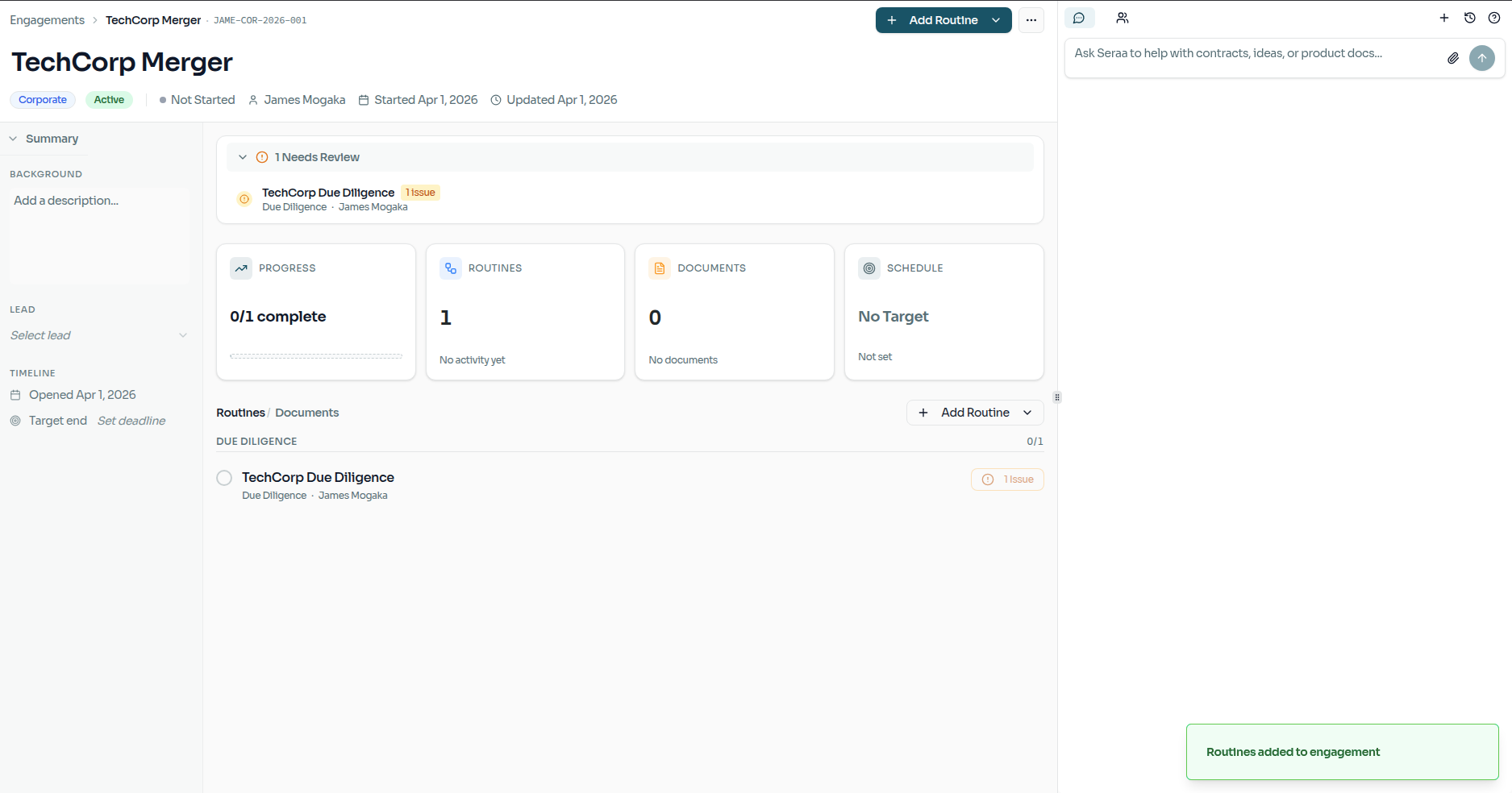
Once the routine is created, you will immediately see its Blocks (the individual tasks). If any task is delayed or missing information, you can flag and review blockers directly from the panel to keep the firm completely aligned before proceeding.
5. Launch and Monitor
To execute the workflow, select the first pending Block, fill in any required inputs in the side panel, and click "Start" or "Submit". The Routine will automatically advance as work gets done.Once launched, the active workflow will instantly appear in your matter's designated pipeline view, where its progress can be monitored directly from the Engagement dashboard.
What's Next?
- Explore how to structure Custom Routines built specifically for your firm's standard operating procedures.