Managing Your Documents
Learn how to add documents to your library — whether by writing them in Seraa or uploading existing files — and how the AI prepares them for use across the platform.
Managing Your Documents
Your document library is the central store for all the files your firm works with. Every document you write or upload here becomes available to search, review, and analyse across the rest of the platform — in Reports, Extractions, and Routines.
The Documents Dashboard
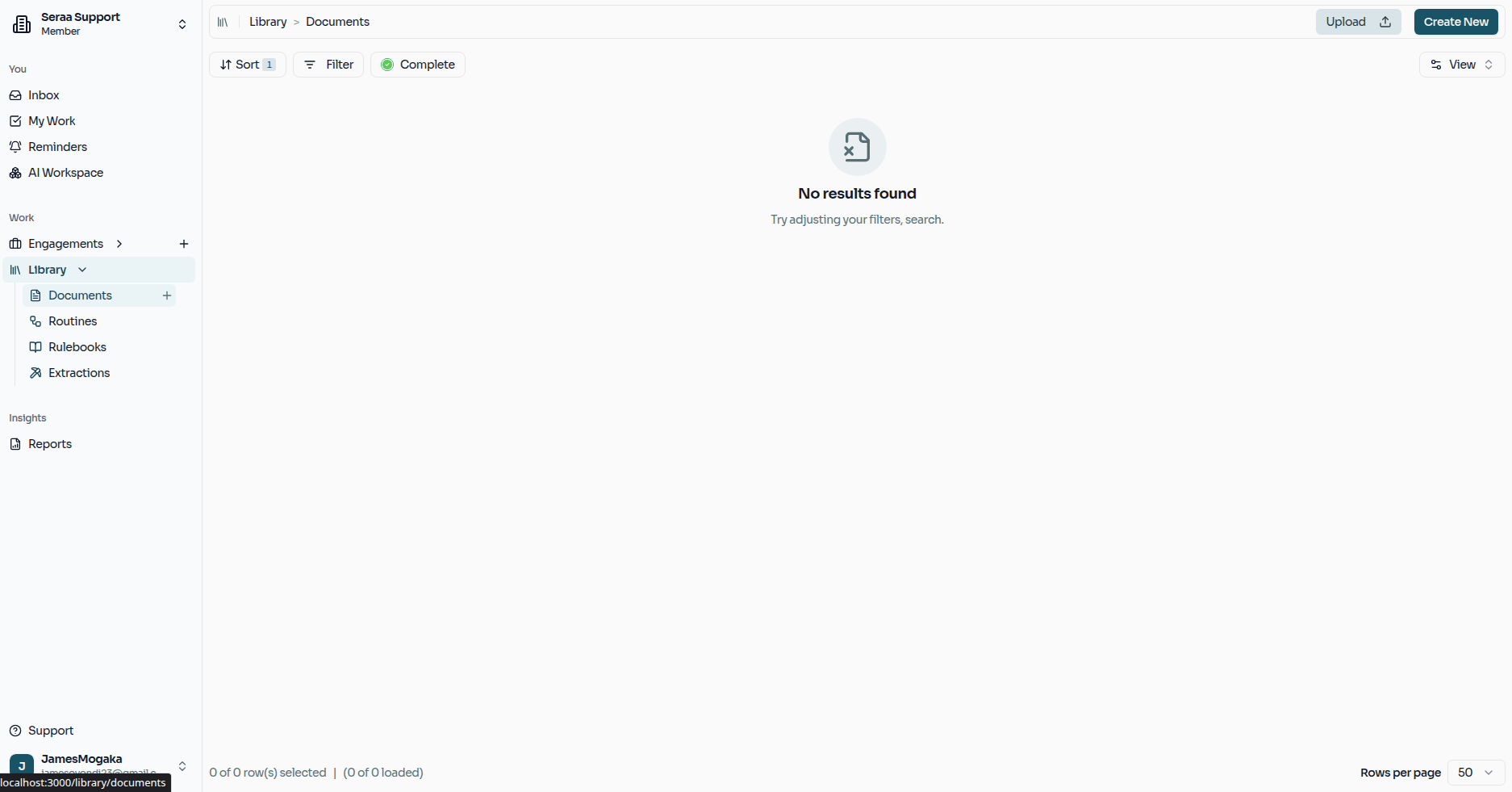
When you open the Documents section, you'll see your complete library at a glance. The list shows only documents your firm has stored along with any documents you have been given access to — so the library always reflects exactly what you're allowed to work with.
Two Ways to Add Documents
Seraa gives you two options for bringing documents into your library. You can create a new document and write it directly inside Seraa, or you can upload existing files from your computer.
Option 1 — Creating a Seraa Document
Use this option when you want to write a new document from scratch inside Seraa — for example, drafting a new contract, memo, or letter.
Click the Create button on the dashboard. You'll be asked to give the document a clear, recognisable name.
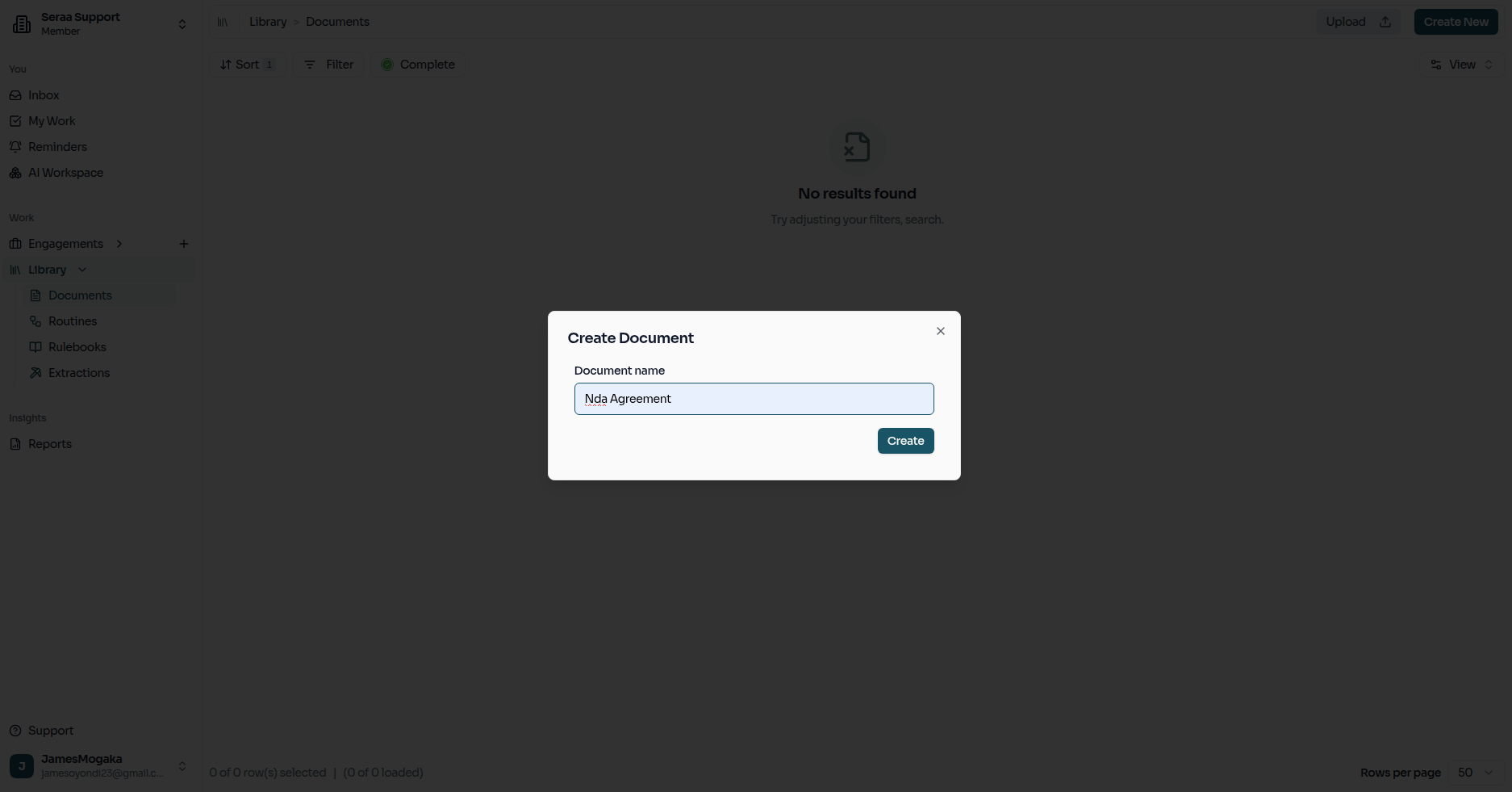
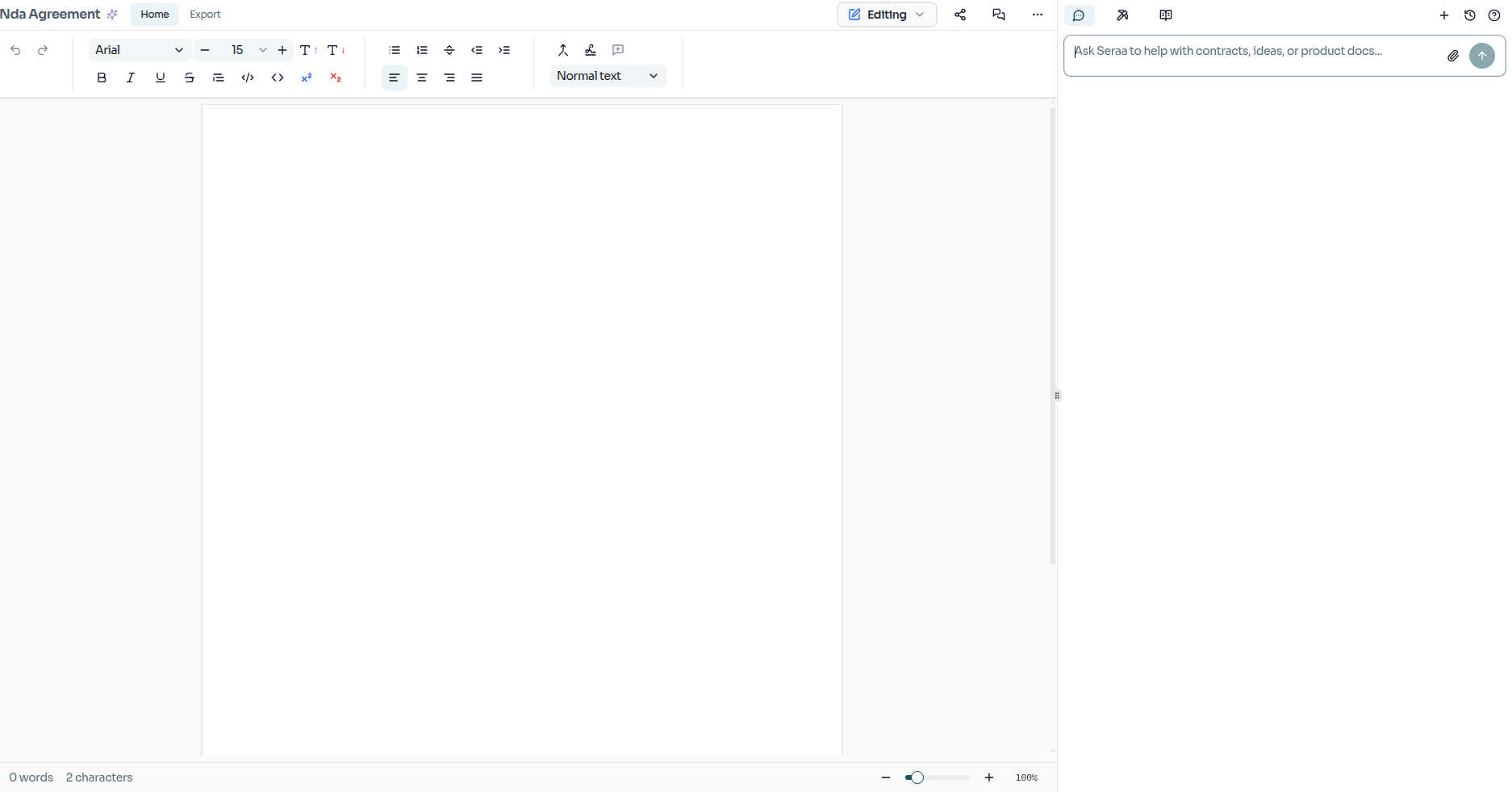
Once you confirm the name, Seraa opens the built-in editor so you can start writing straight away. The document is saved to your library automatically as you work.
Option 2 — Uploading Existing Files
Use this option when you already have documents saved on your computer — such as scanned contracts, signed agreements, or PDFs received from clients.
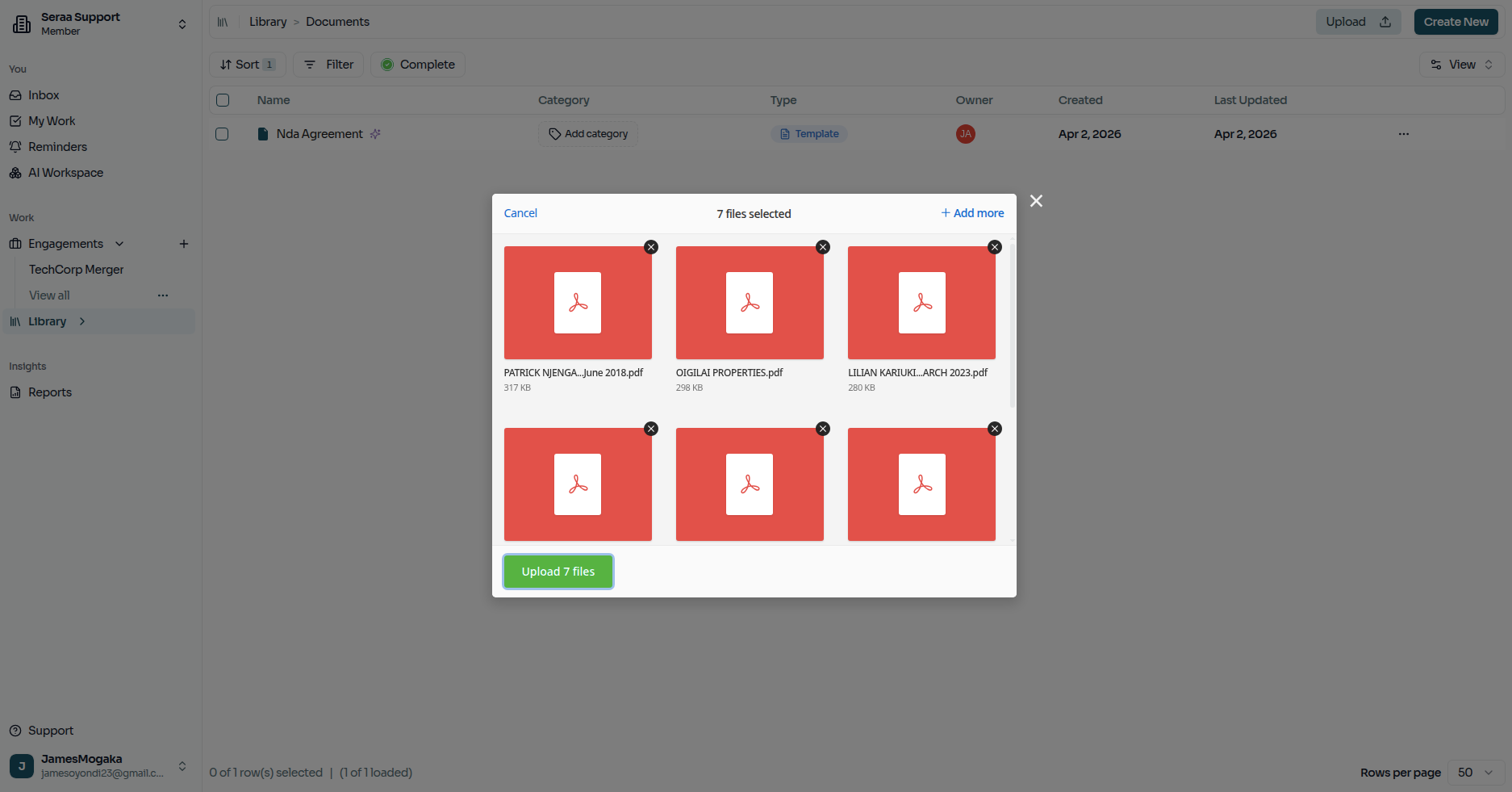
Click the Upload button on the dashboard. A panel will appear where you can add your files in two ways:
- Drag and drop — pull files directly from your computer into the highlighted area.
- Click to browse — click the upload zone to open your file selector and pick the files you want.
You can upload more than one file at a time, so there is no need to repeat the process document by document.
What happens after you upload?
Once your files land in Seraa, the AI immediately gets to work. It reads through each document, understands its content, and indexes it so it can be found and analysed quickly later on.
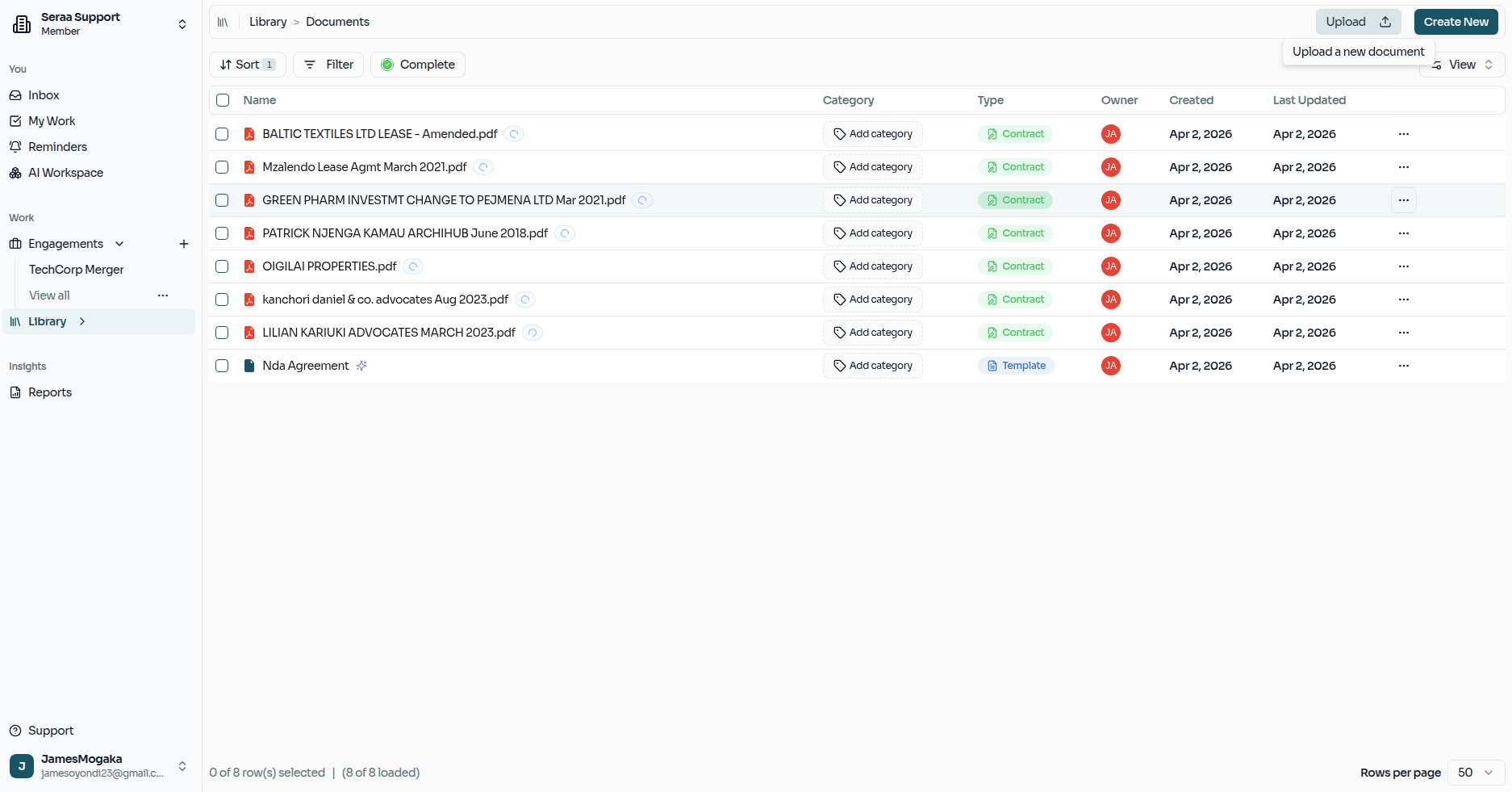
When that process is complete, each document will show as ready in your library.
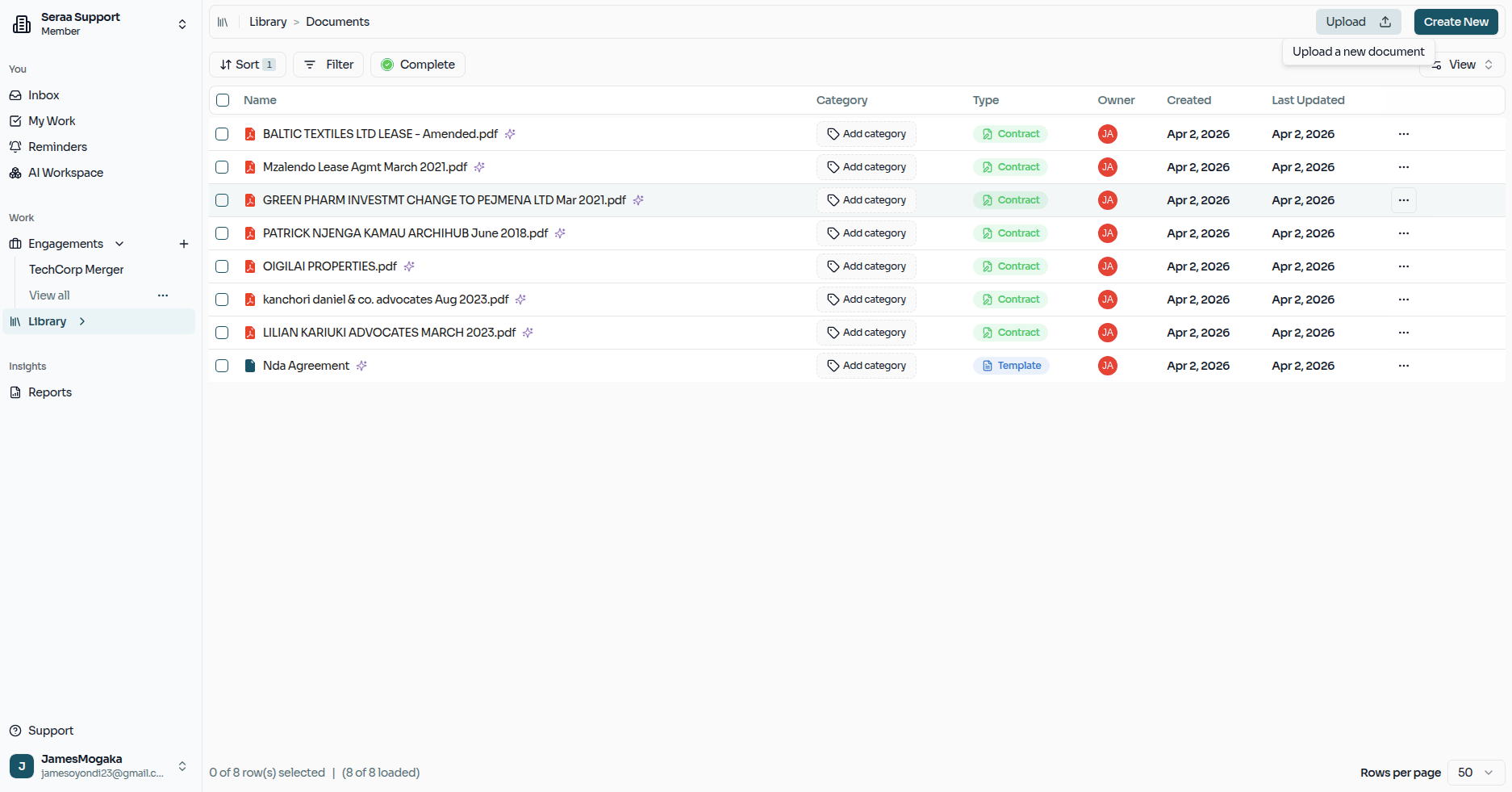
This preparation step is what makes Extractions and Reports so fast — by the time you run an analysis, Seraa already understands exactly what is inside every document.