Building and Running Routines
Learn how to build a Routine, configure each step, and launch it against a live matter.
Building and Running Routines
A Routine is your firm's repeatable legal process — turned into a structured, automated workflow. Instead of re-creating the same steps across every new matter, you build it once and your AI teammate handles the heavy lifting each time it runs.
In this guide, we'll walk through building a complete NDA Drafting and Signing Routine from start to finish.
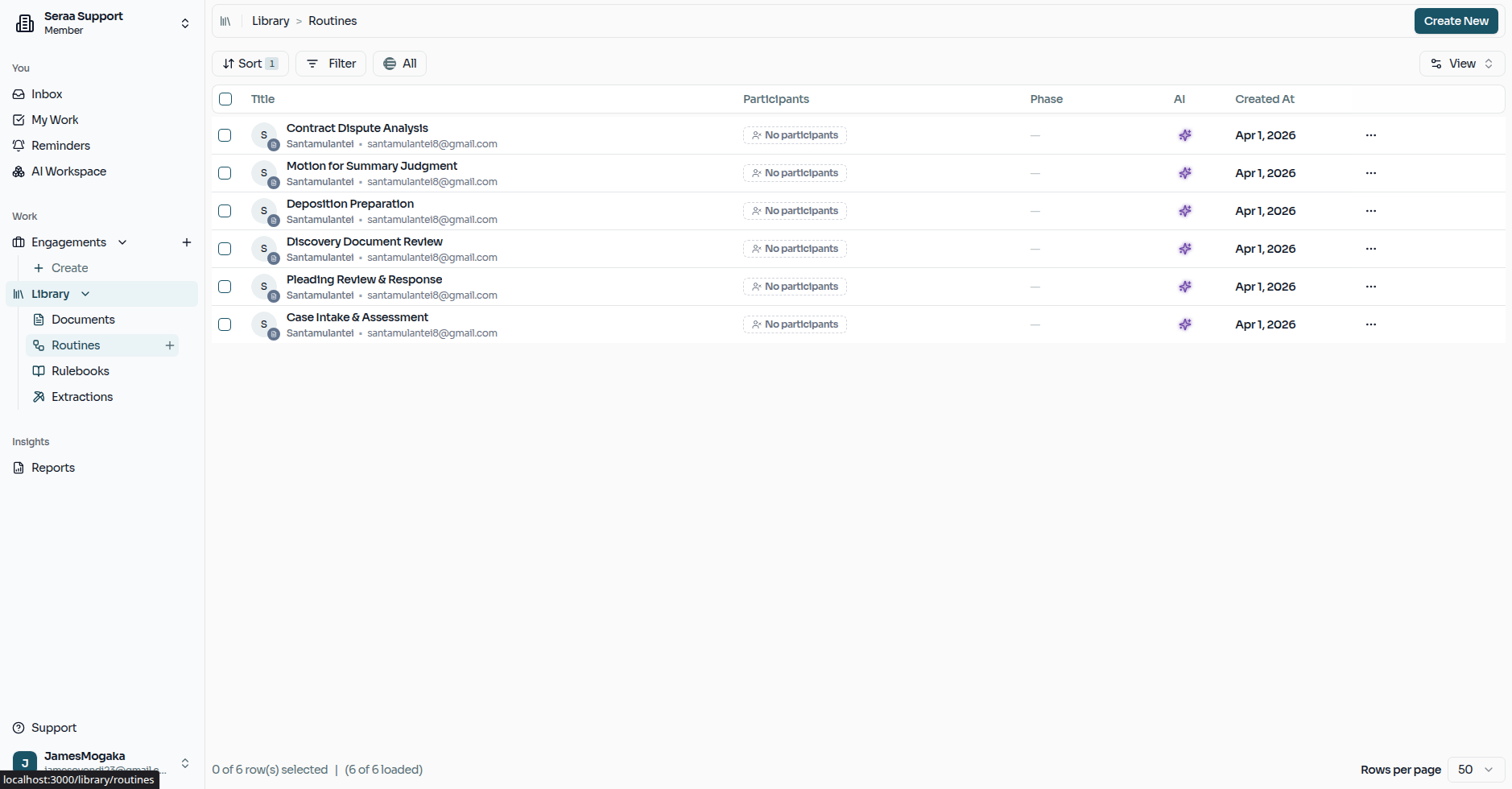
The Routines Dashboard
Your Routines Dashboard is the home for all of your firm's reusable processes. From here, you can open an existing routine or create a new one from scratch.
Designing Your Routine
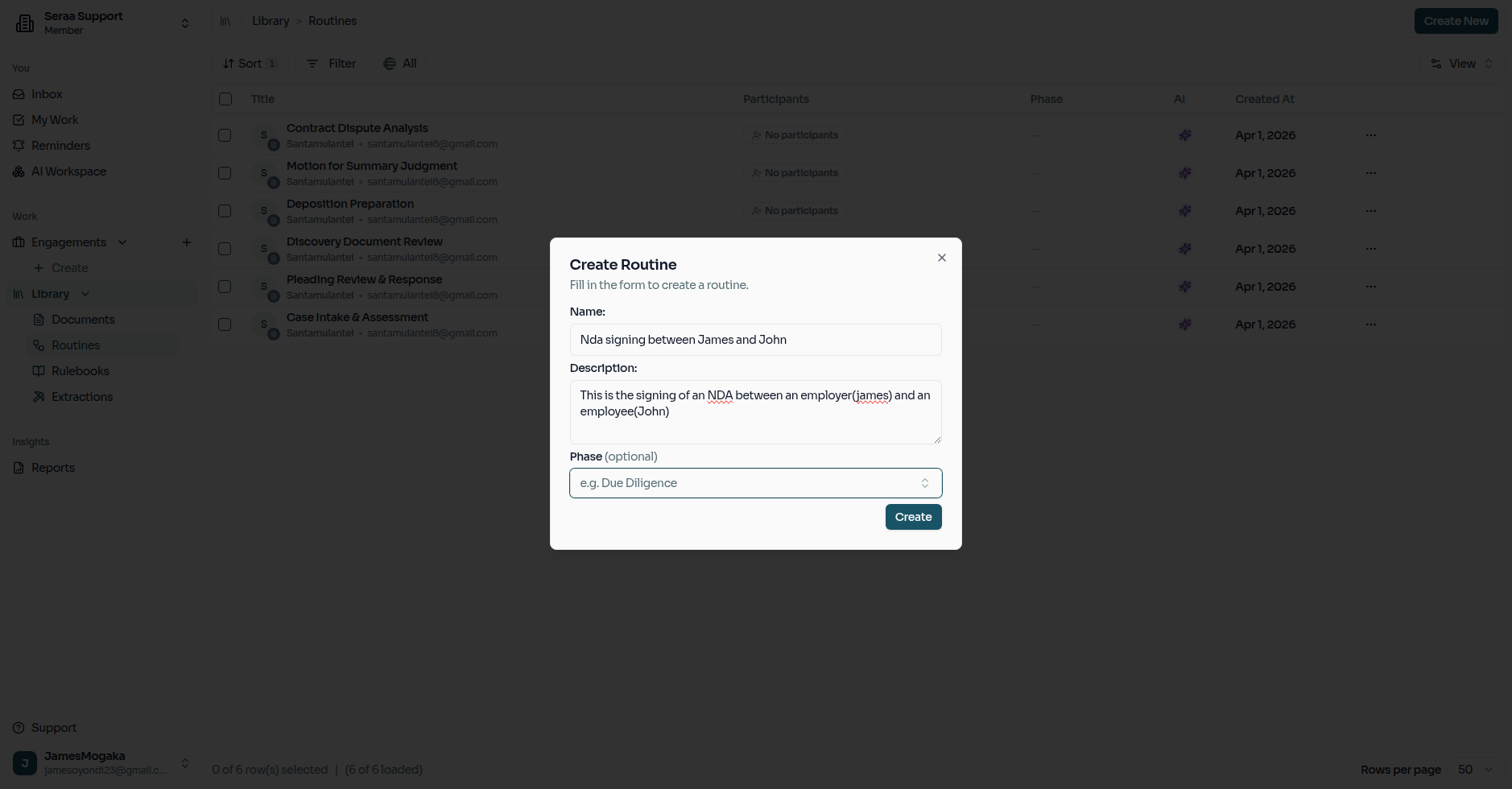
Start by creating a new routine and giving it a clear, descriptive name — something your team will immediately recognise, like "Standard NDA Signing."
Adding Your Steps
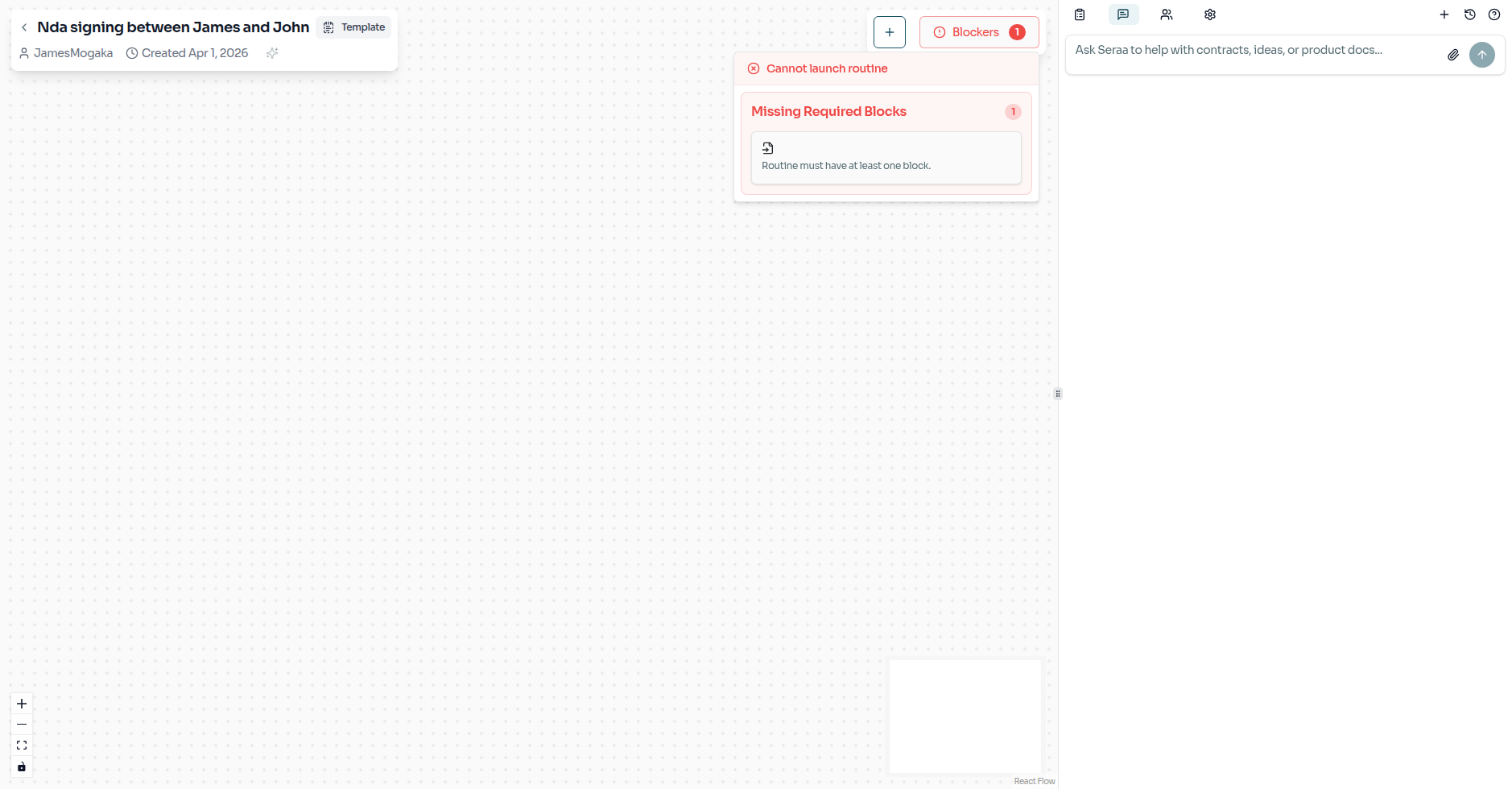
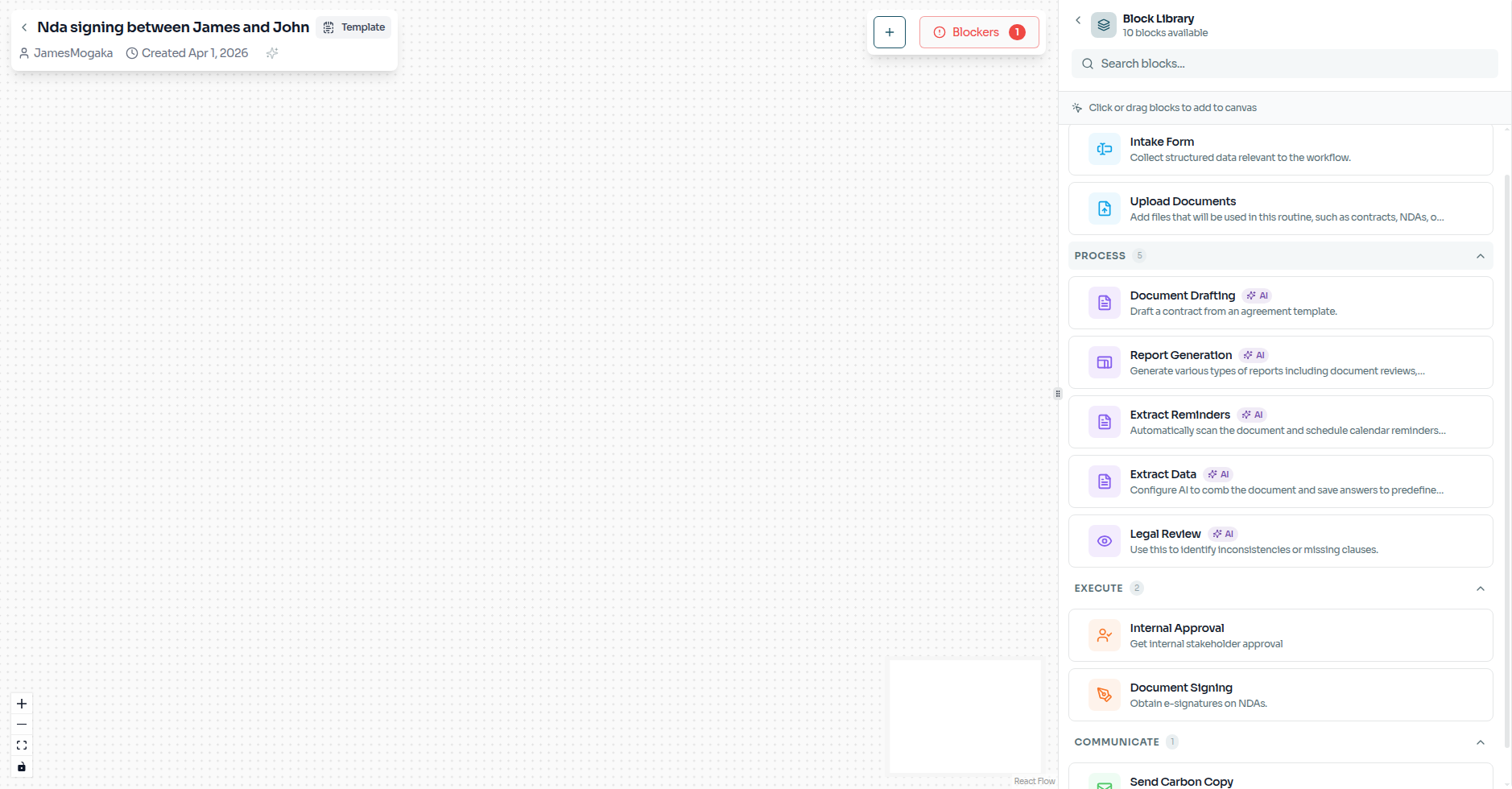
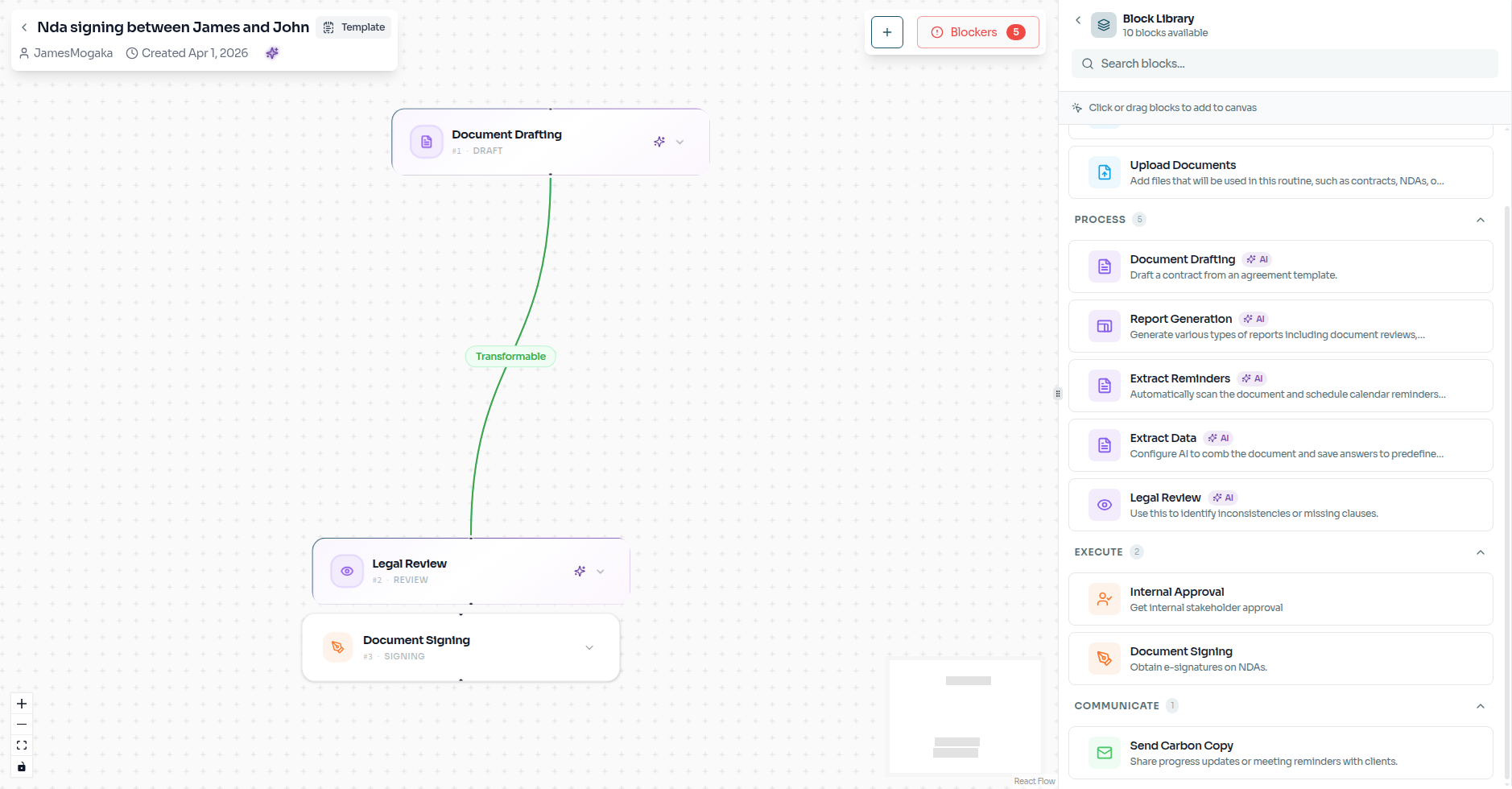
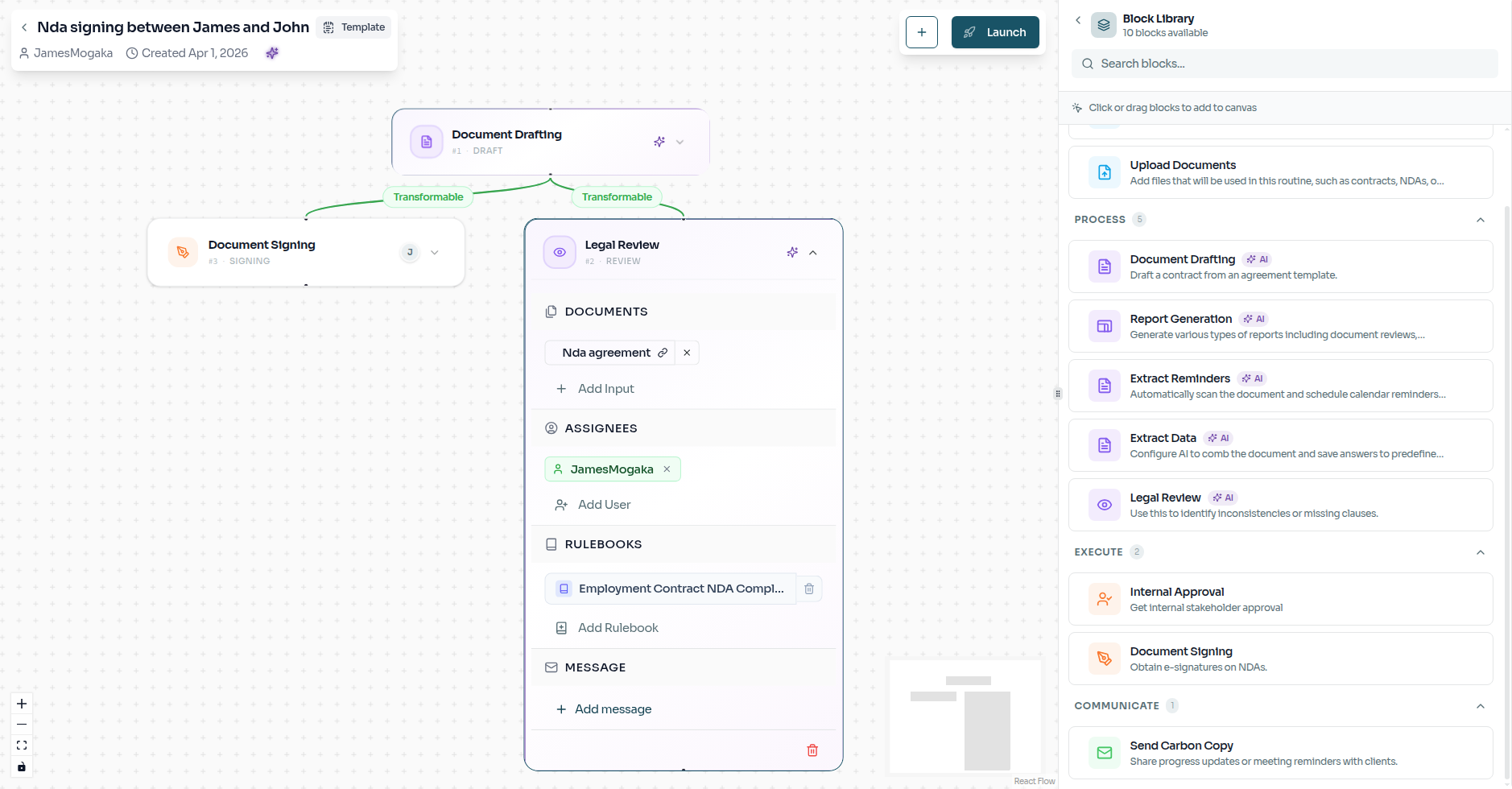
Once inside the builder, open the Block Library to add the specific tasks your routine needs. For this NDA process, we'll add three steps: Drafting, Review, and Signing.
Filling in the Details
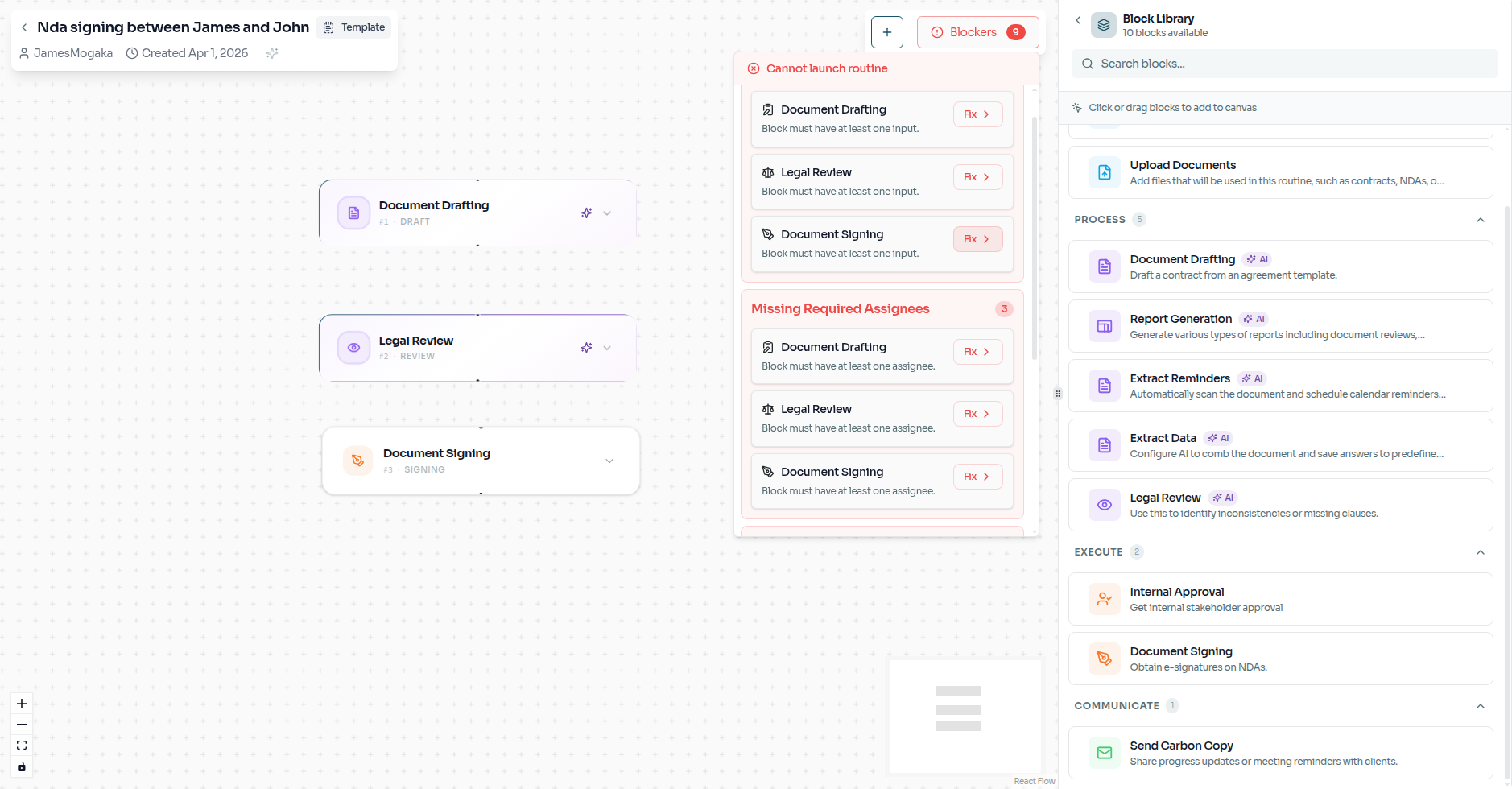
When you first add a task, Seraa will highlight any missing information with a blocker. This is a helpful prompt — it prevents you from launching an incomplete workflow.
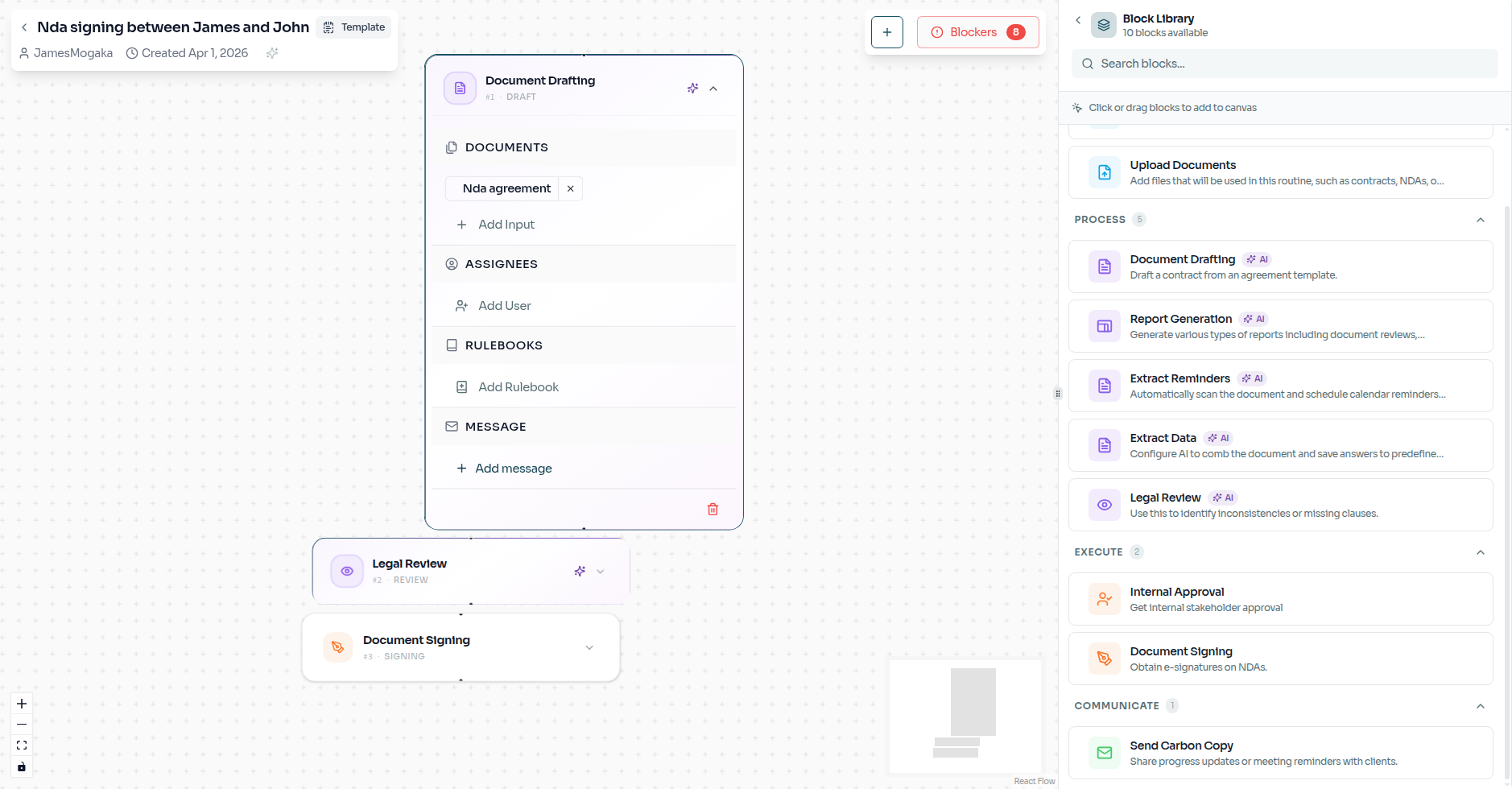
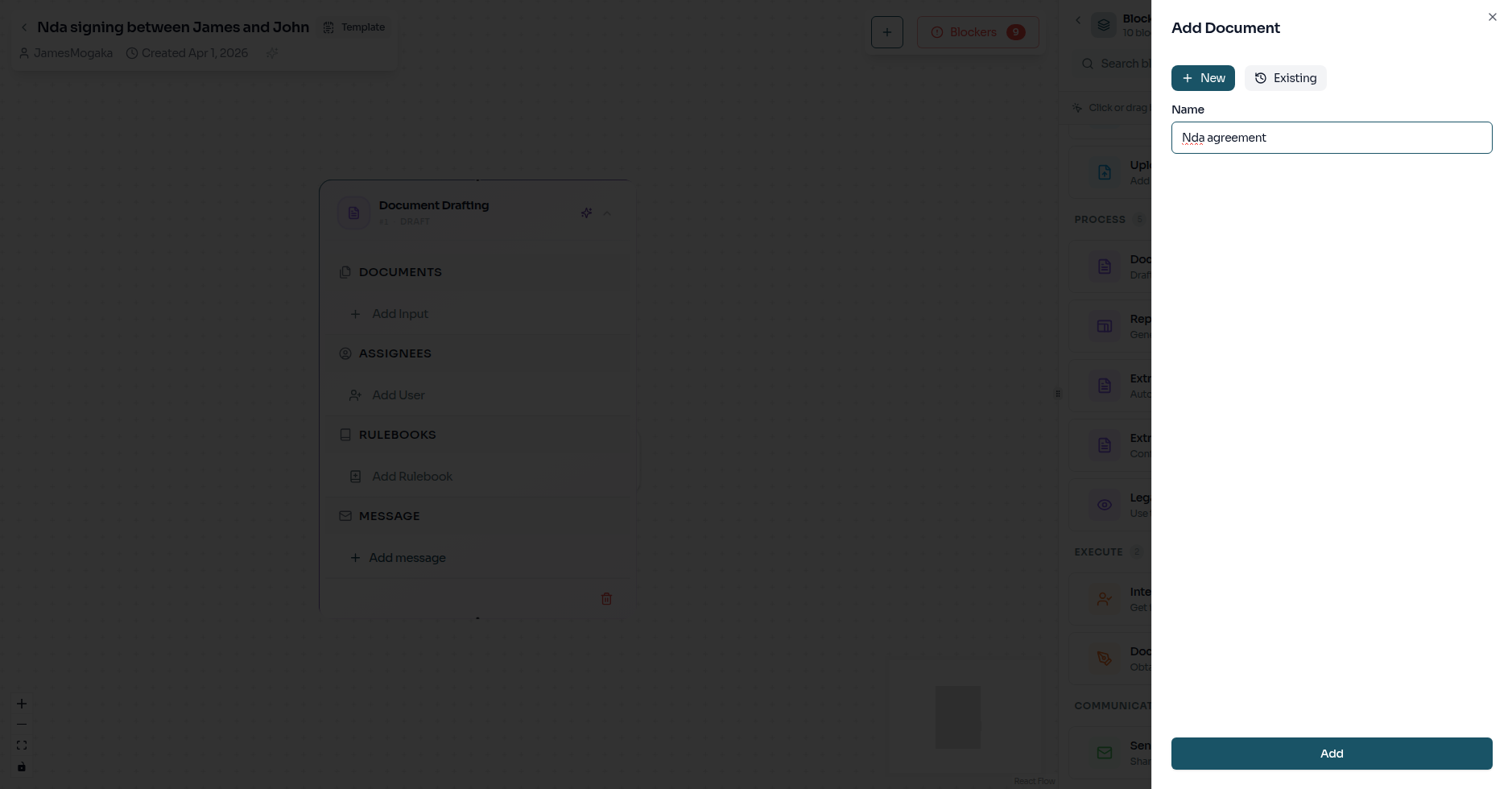
Open the task's detail panel to fill in what's needed — for example, choosing which client information the Drafting step should work with.
Linking the Steps Together
Connect your tasks so that the result of one step flows naturally into the next. For example, once the NDA is drafted, it moves directly into the Review step — no manual handoff needed.
Assigning the Right People
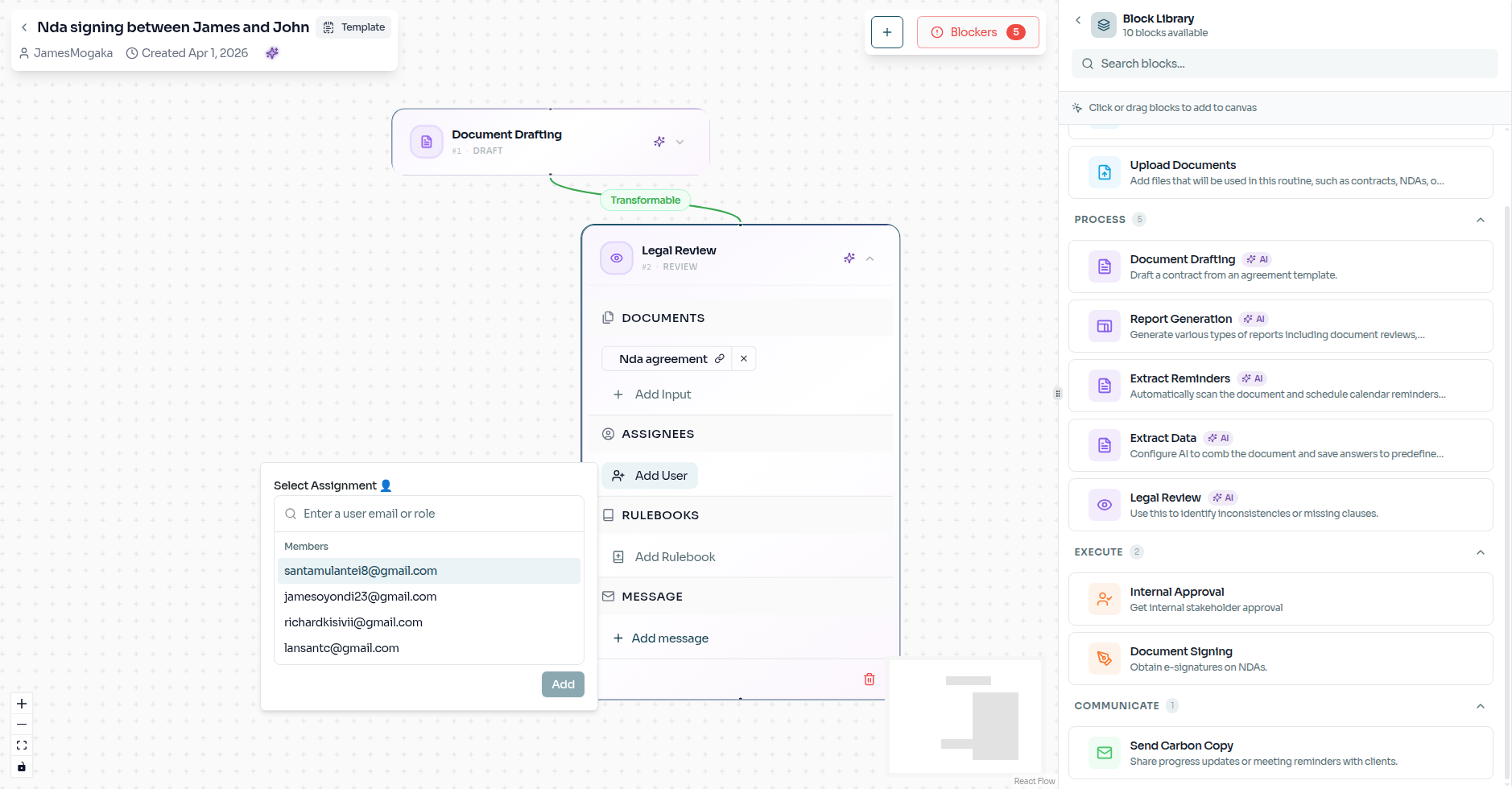
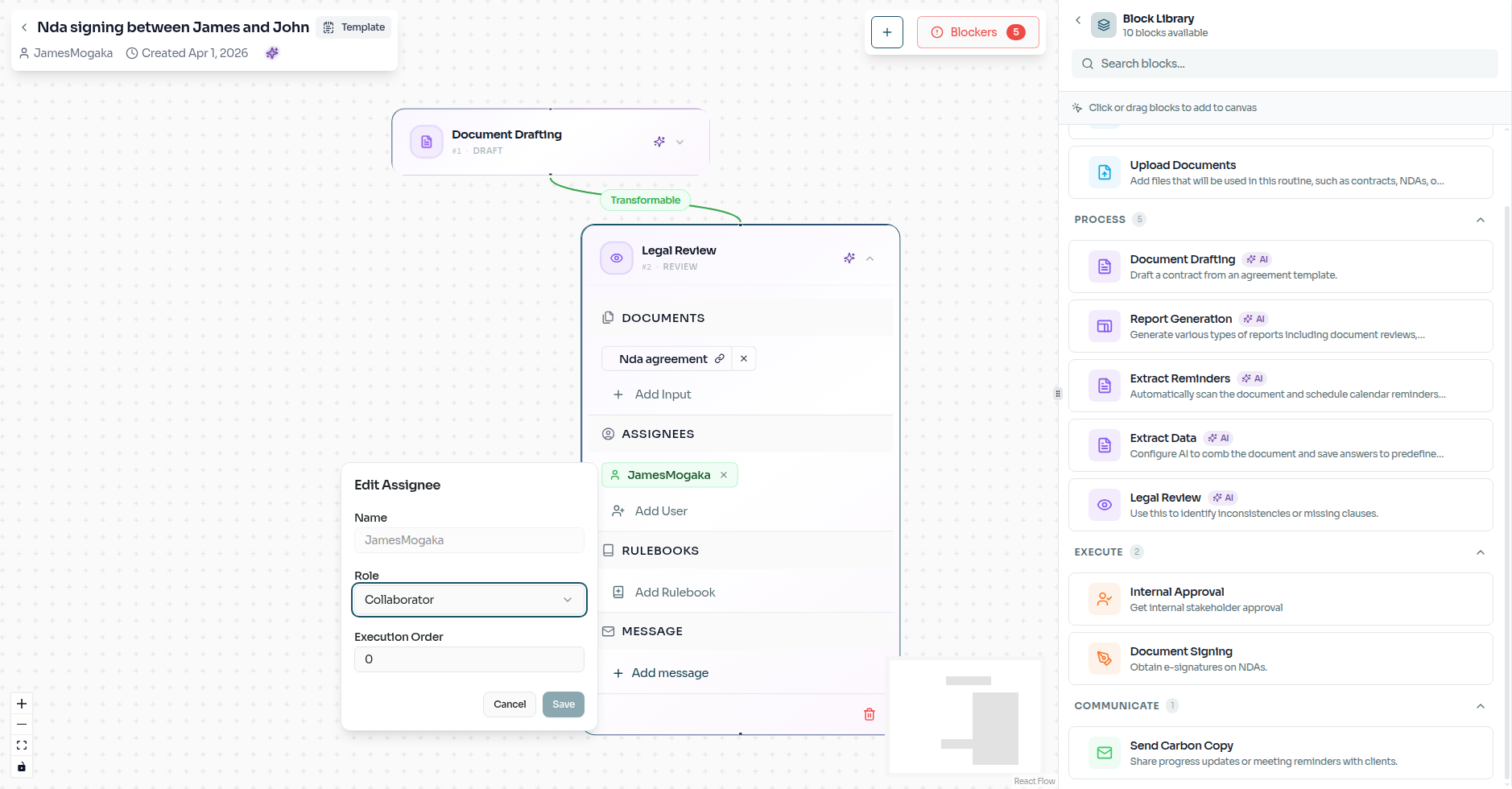
For steps that require a human decision — like a senior partner approving a draft — assign a specific team member or role. You can also control the order in which they are notified.
Attaching Your Standards
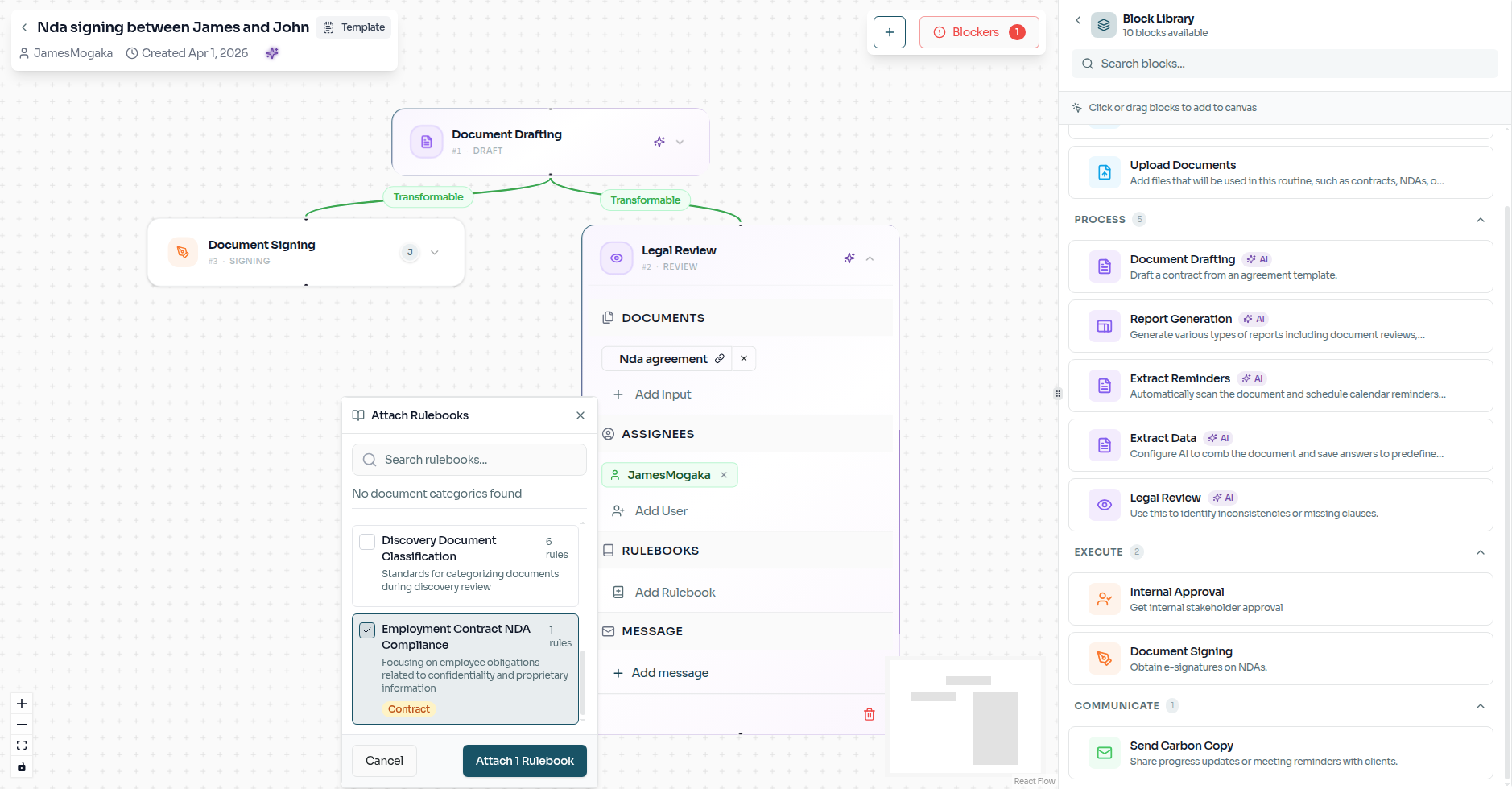
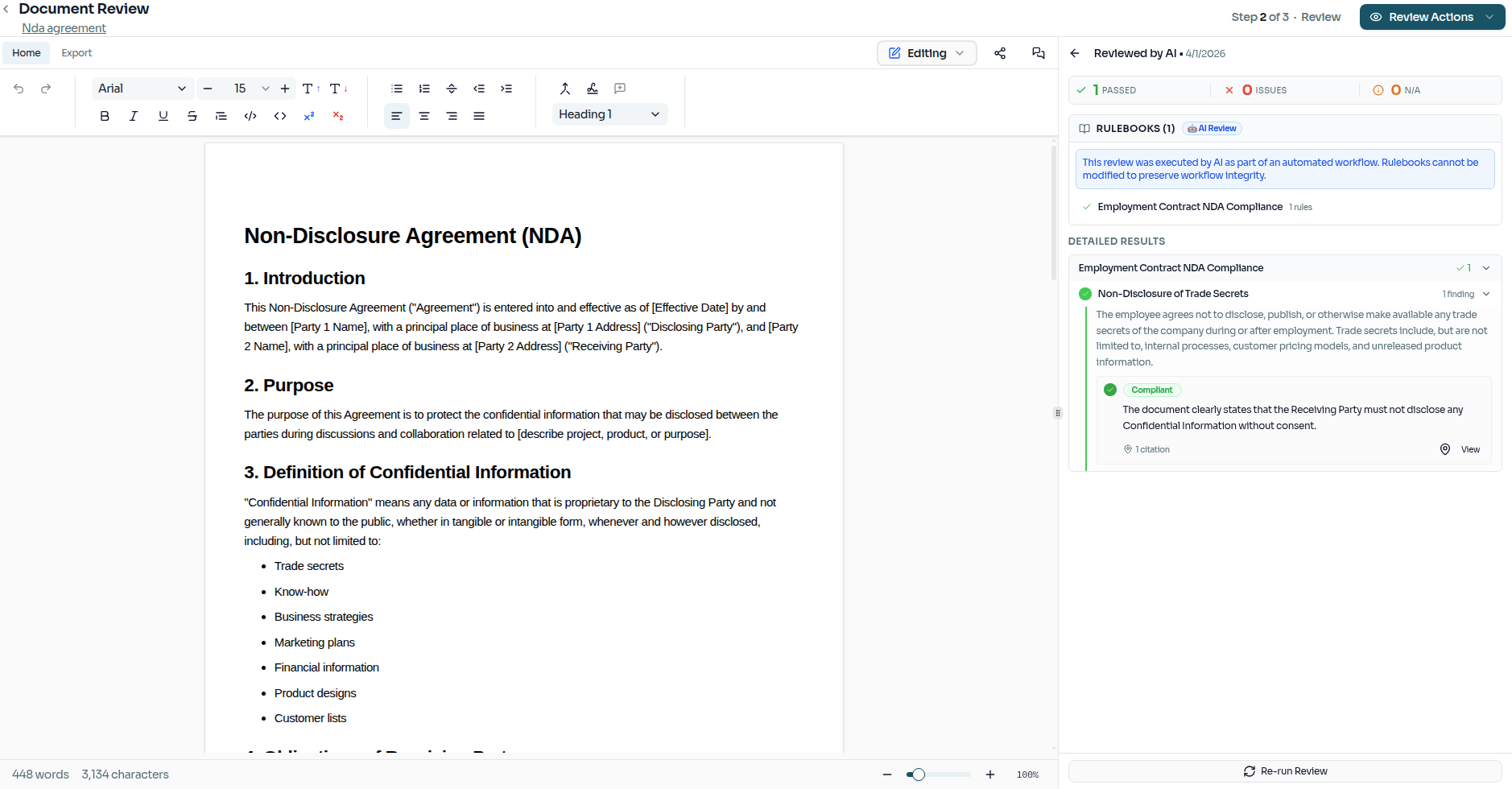
Attach a Rulebook to give the AI your firm's exact review criteria. The AI will check every document against these rules during the review step, flagging anything that doesn't meet your standards.
Ready for Launch
Once every step is filled in and linked, all blockers will clear. This is your confirmation that the routine is complete and ready to go.
Launching the Routine
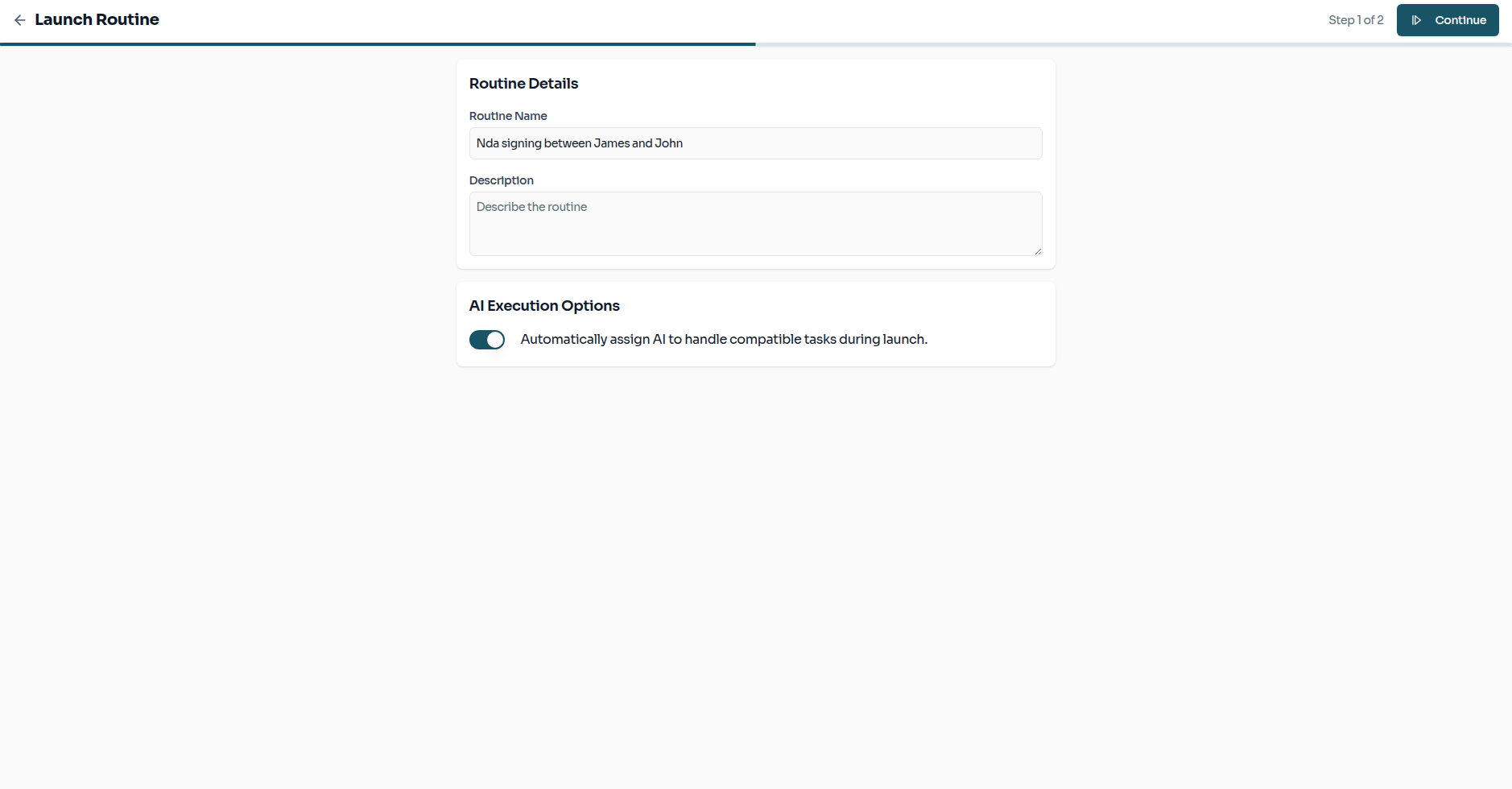
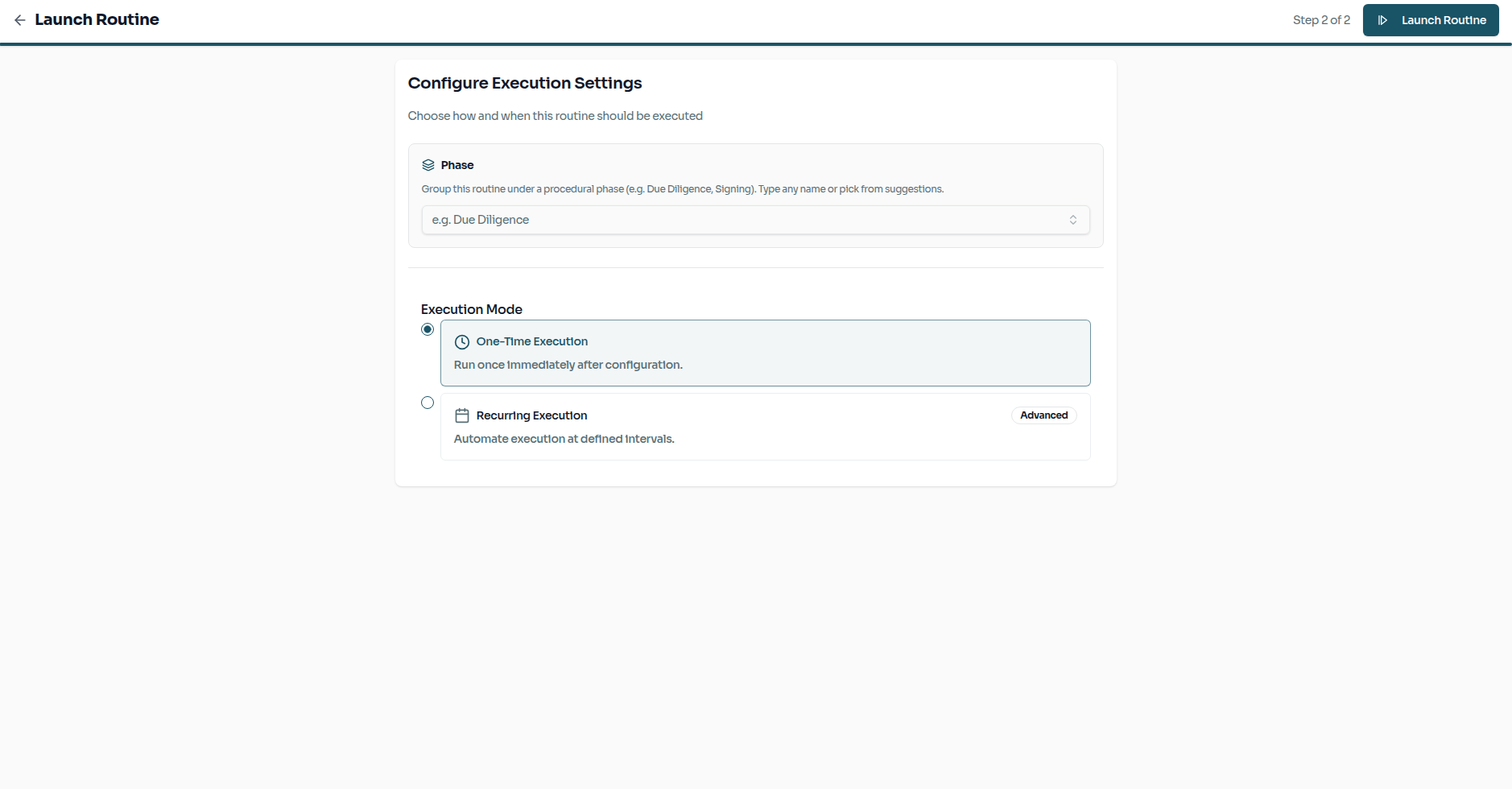
With everything in place, step through the Launch Sequence to do a final review before the routine goes live on a matter.
Watching it Run
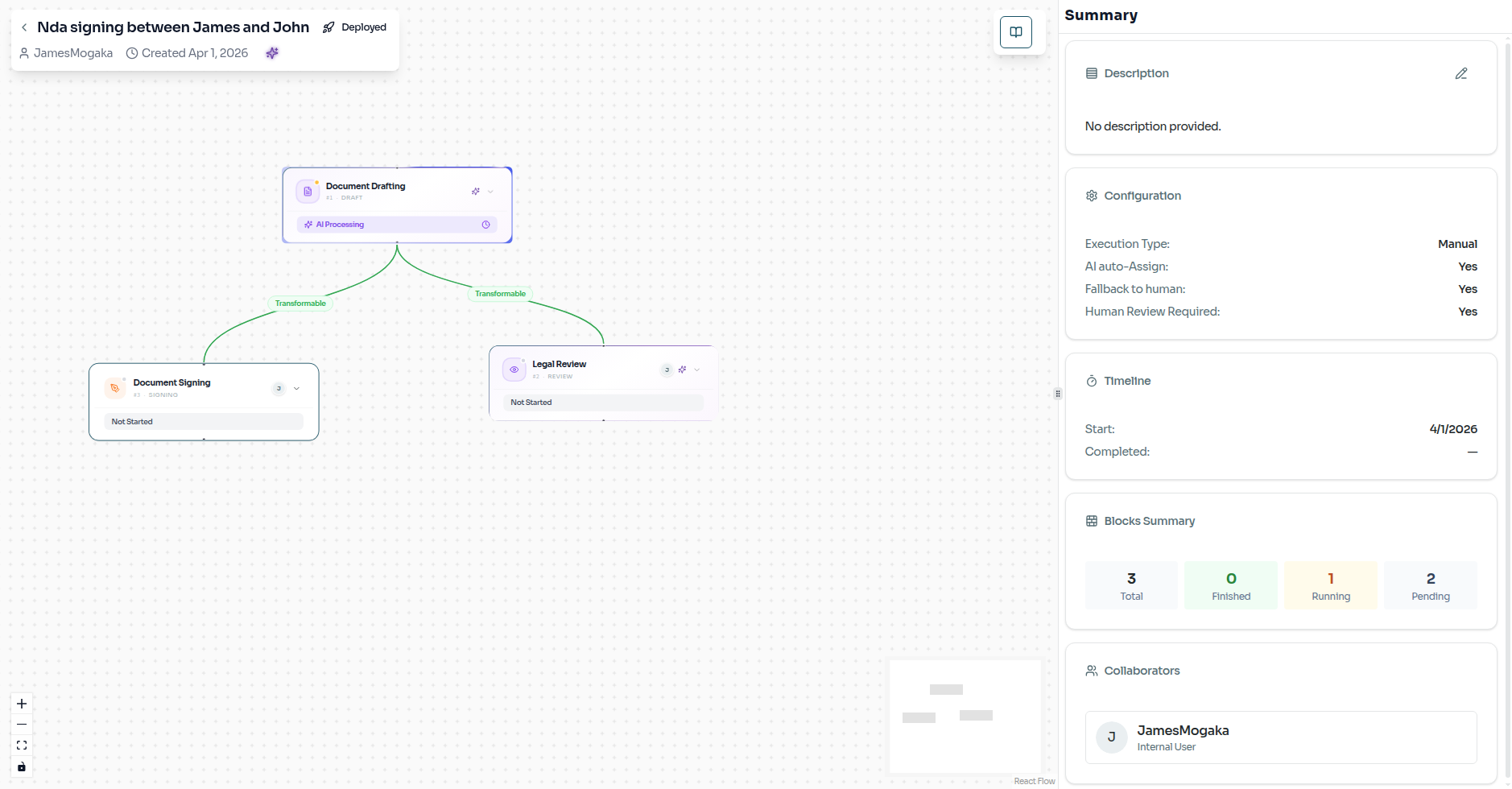
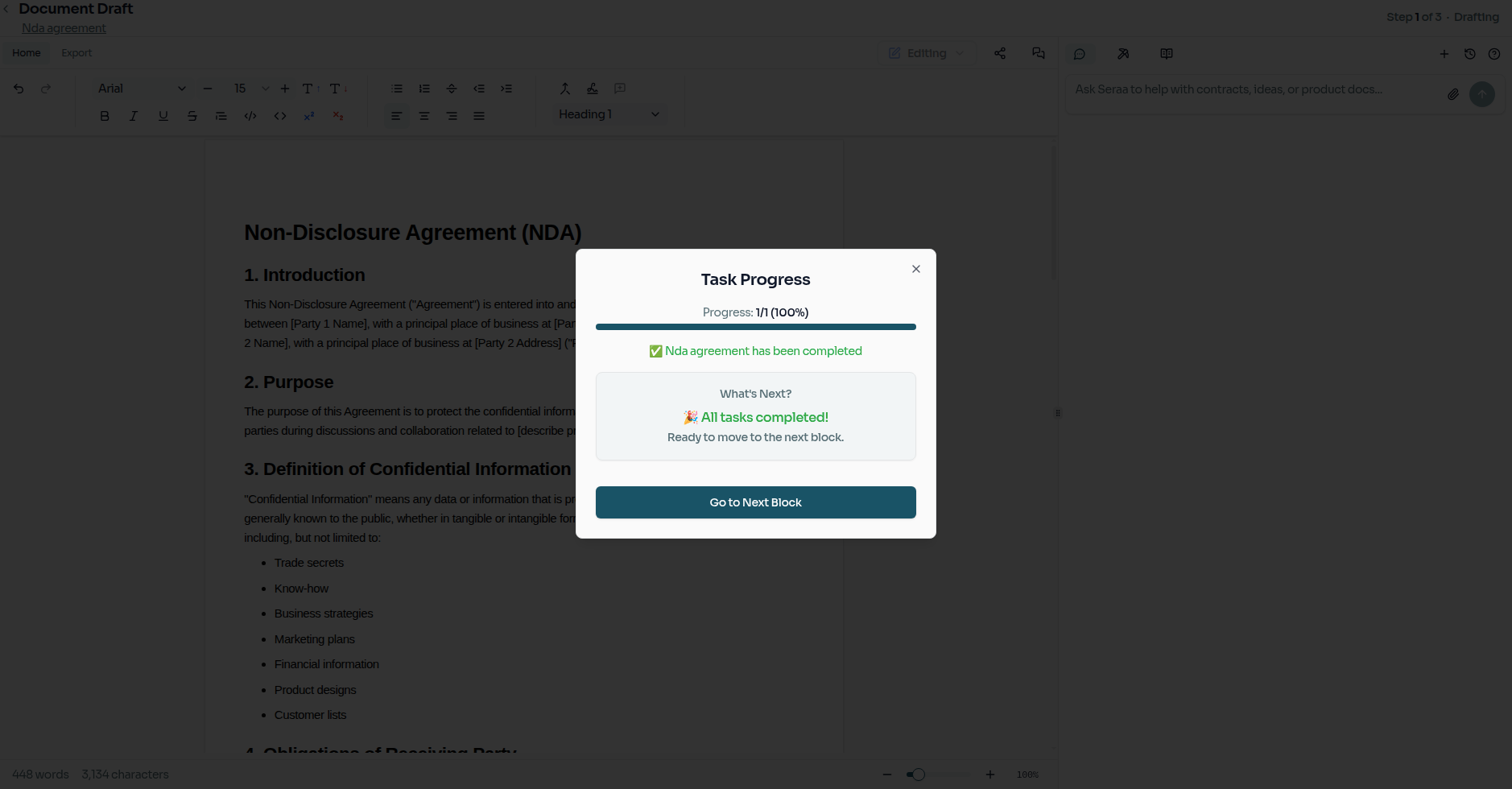
Once live, the routine tracks progress in real-time. You can see exactly where the matter stands as each step is completed.
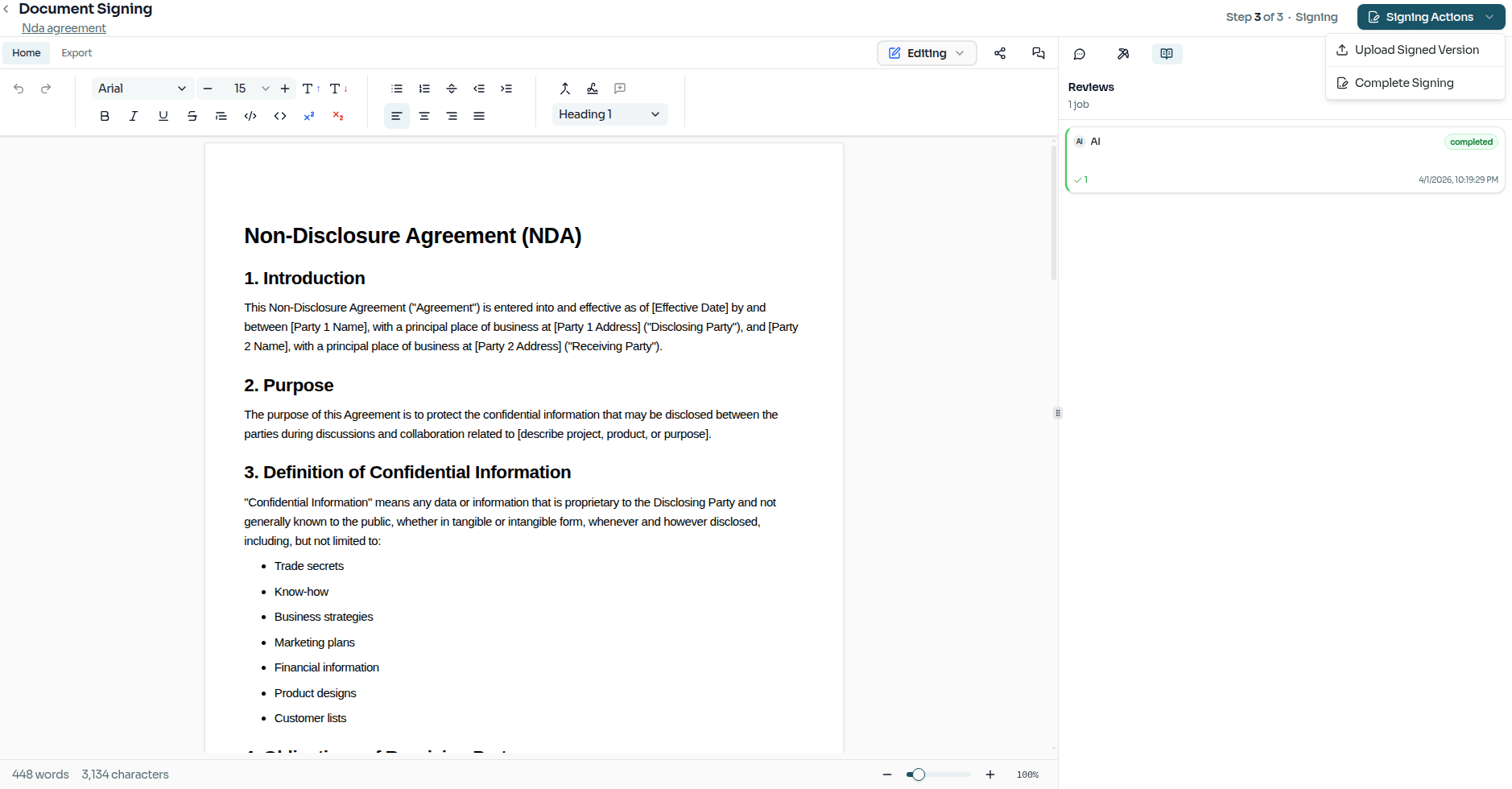
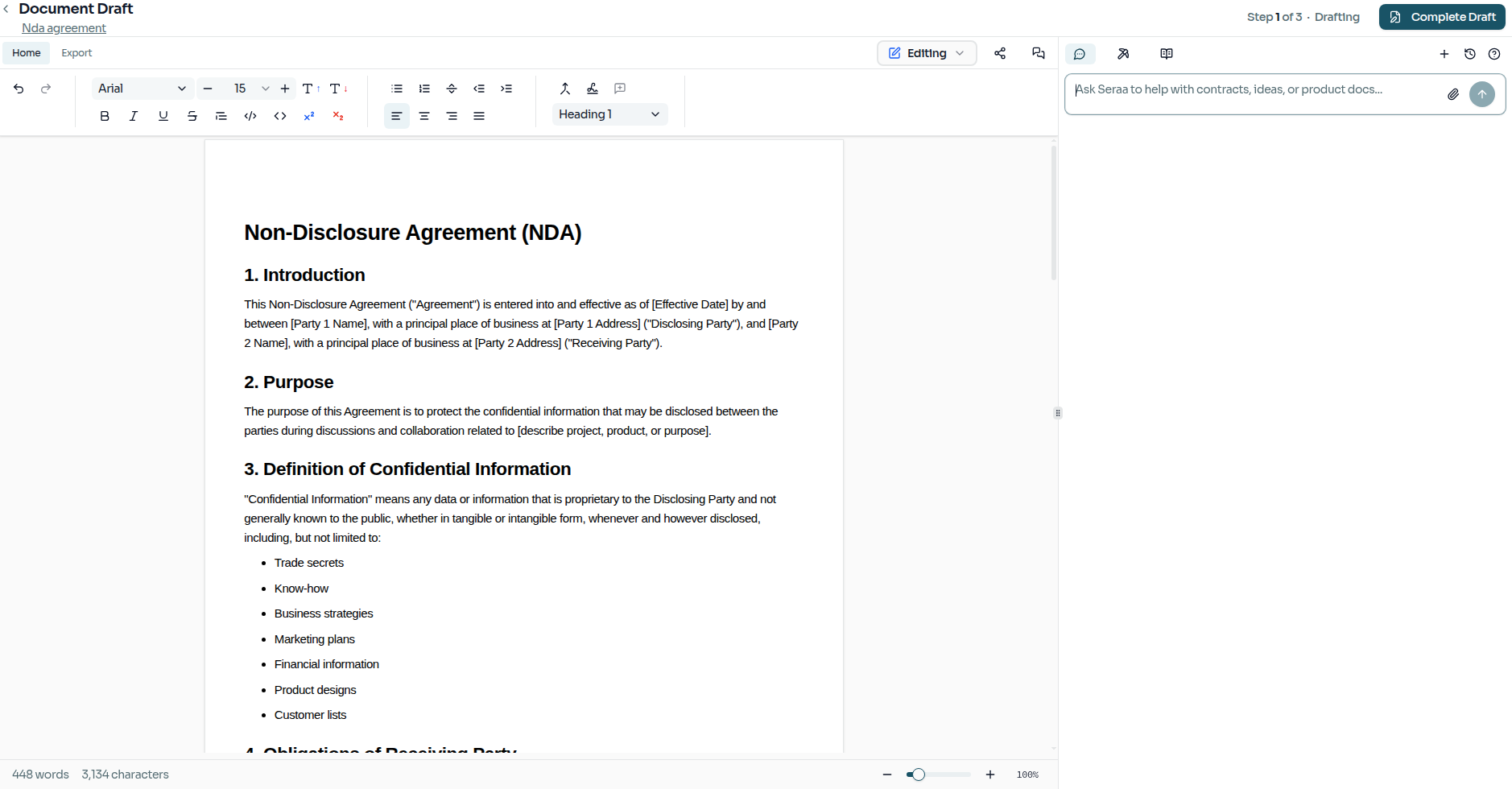
The AI Drafts the Document
Your AI teammate gets to work first, producing the NDA draft. When it's ready, you can review the document directly from within the task.
The AI Reviews Against Your Standards
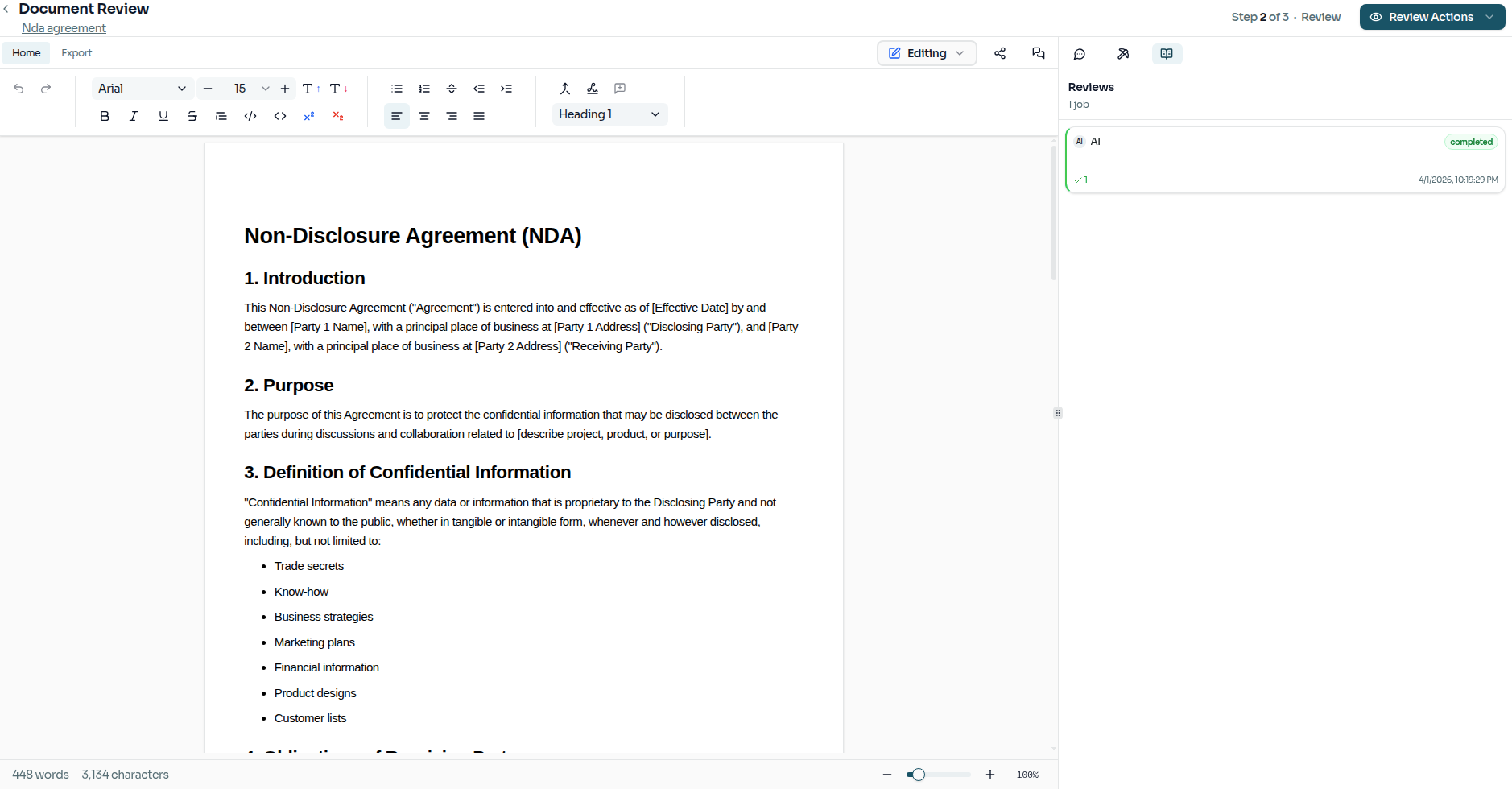
During the review step, Seraa checks the draft against your attached Rulebooks. The results surface any risks or non-standard clauses immediately, so nothing slips through.
Collecting Signatures
The final step routes the approved document for signatures. Once signed, the matter is formally closed out.