Managing Engagements
Track client lifecycles and interact with leads from within Engagements.
Managing Engagements
An Engagement is the master container for a specific legal matter. It brings together your teammates, clients, documents, and workflows, ensuring that every piece of information is organized within the correct context.
The Engagement Dashboard
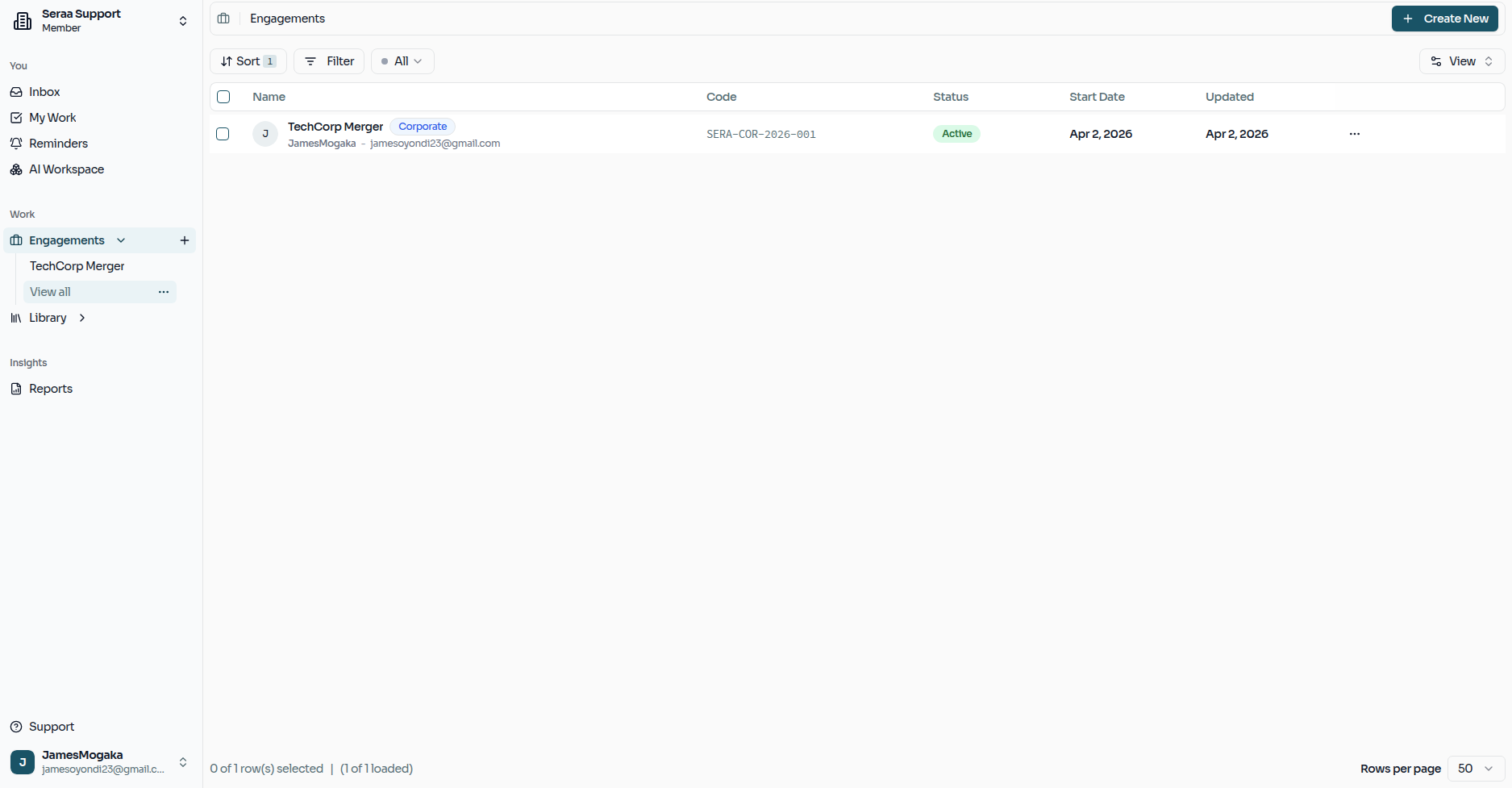
The Engagement Dashboard is your high-level overview of all active matters within the firm. From here, you can search, filter, and jump directly into any ongoing engagement to see its latest progress.
Creating a New Engagement
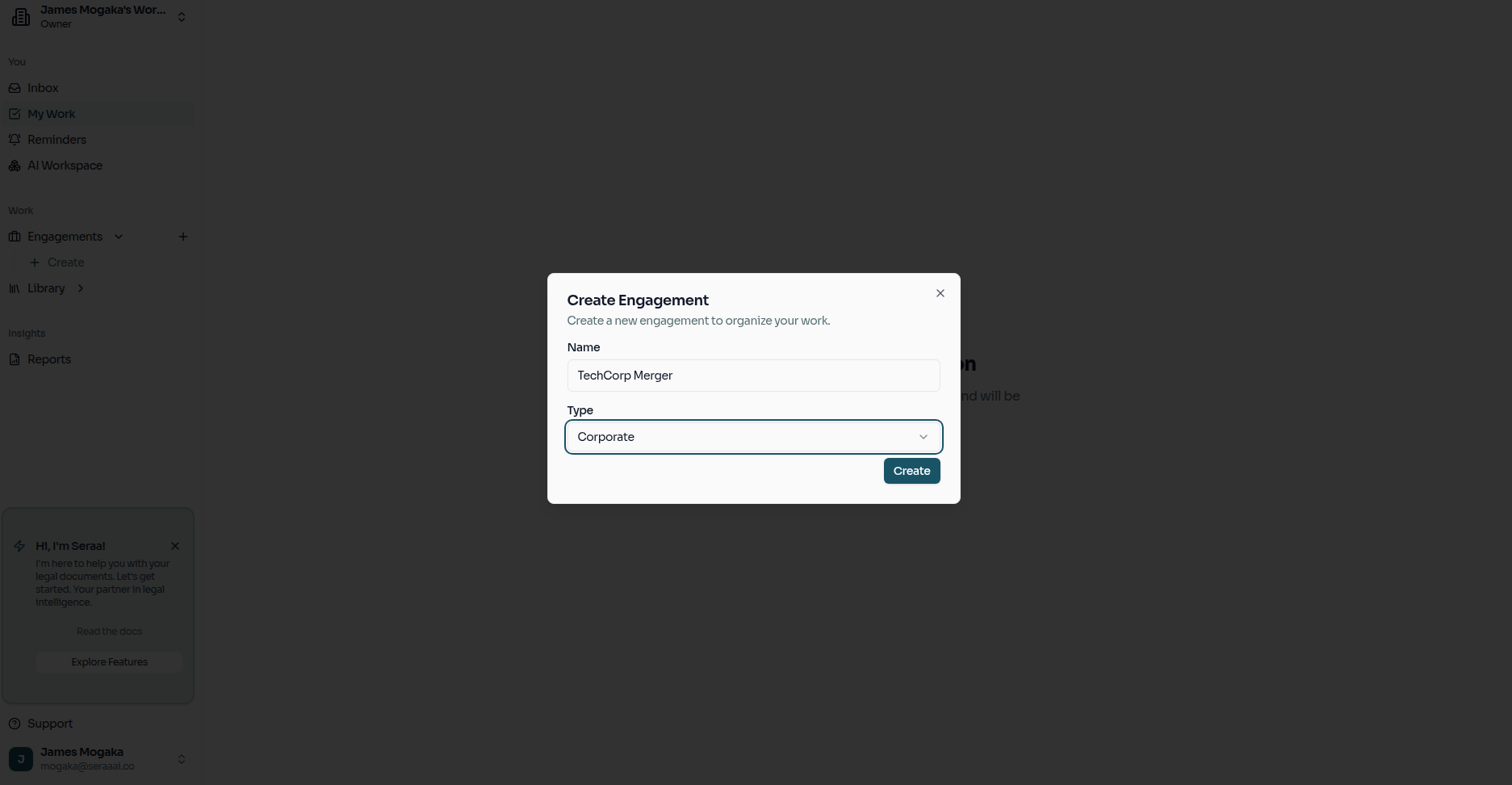
To start a new matter, you create an engagement by defining its basic details, such as the matter type and description.
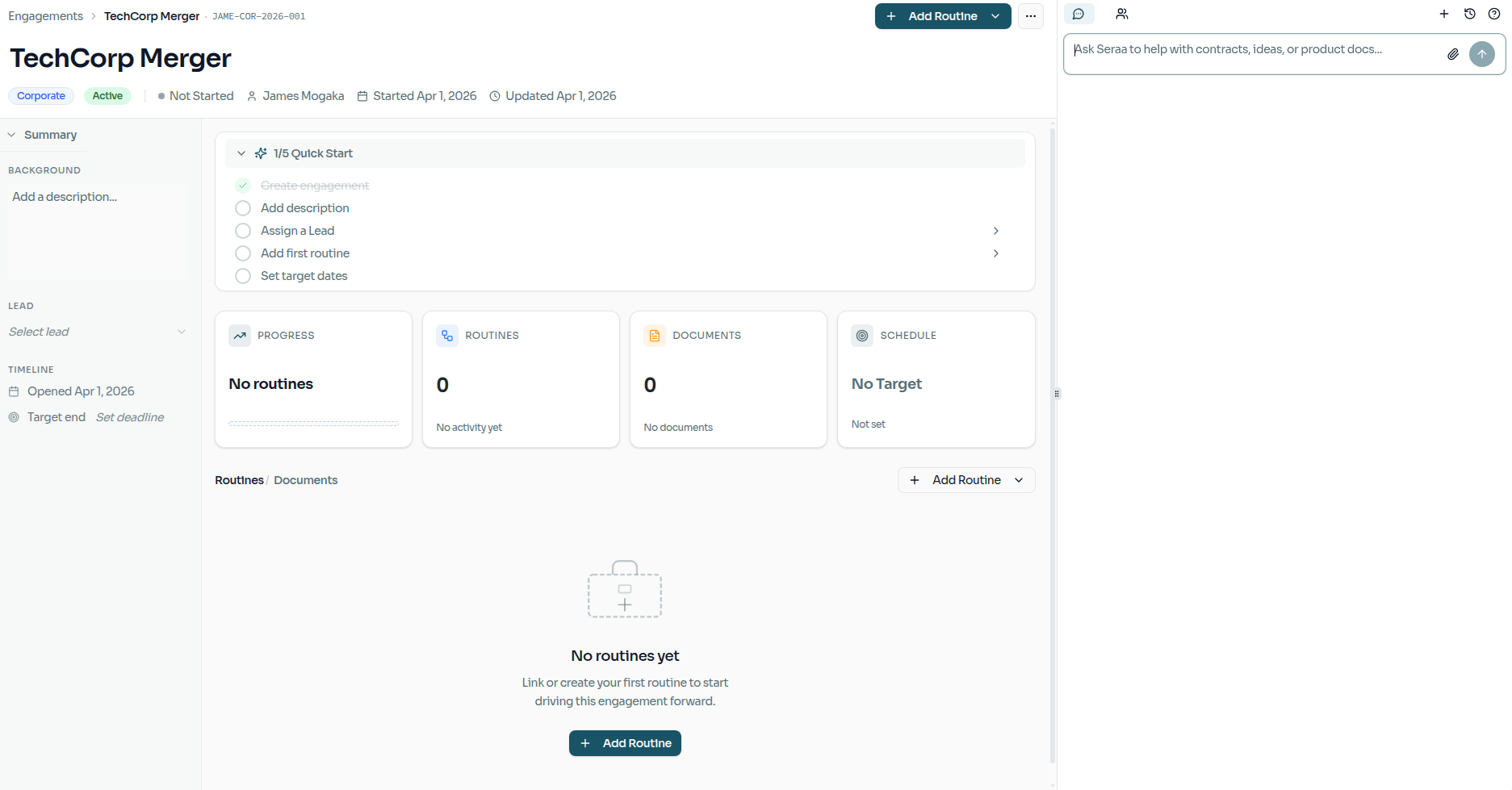
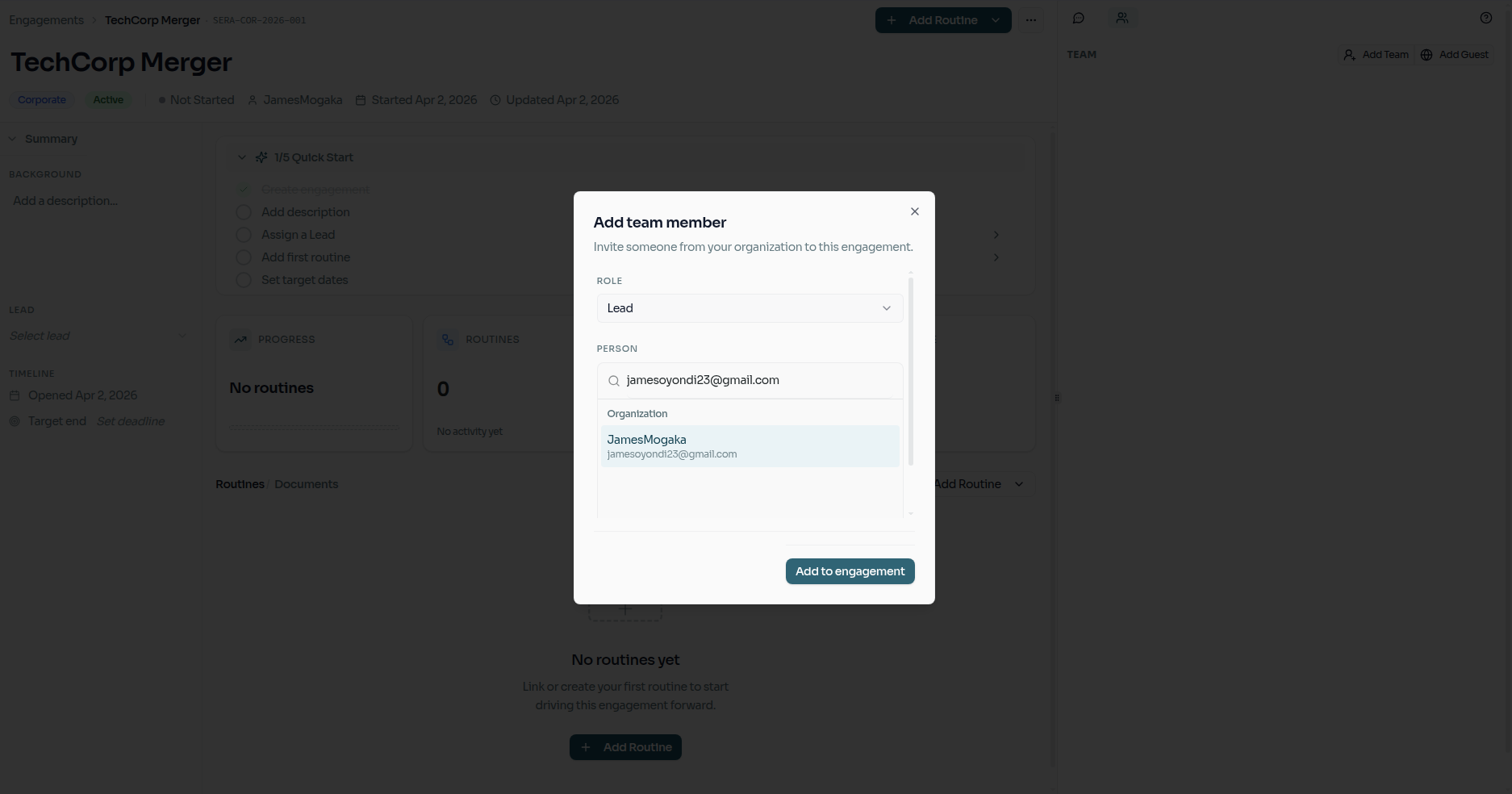
Once the engagement is created, you will arrive at its specific dashboard. This is where you can invite collaborators and attach key parties, such as Leads or Clients, to provide the necessary context for the work ahead.
Starting a New Routine
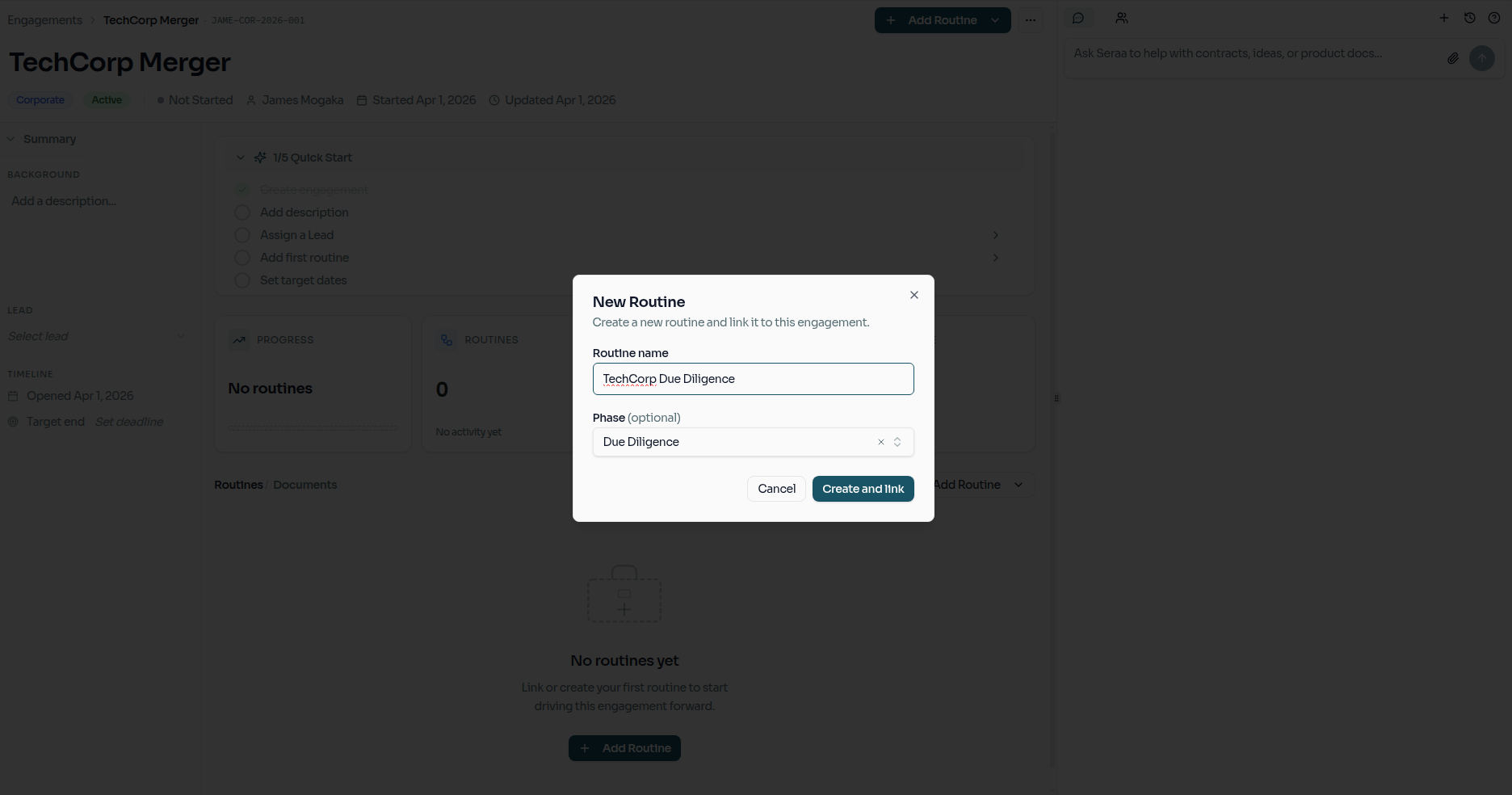
Routines—your automated workflows—are best launched from within an Engagement. This ensures that any data already attached to the matter (like client names or case numbers) flows automatically into the routine's tasks.
Managing Blockers
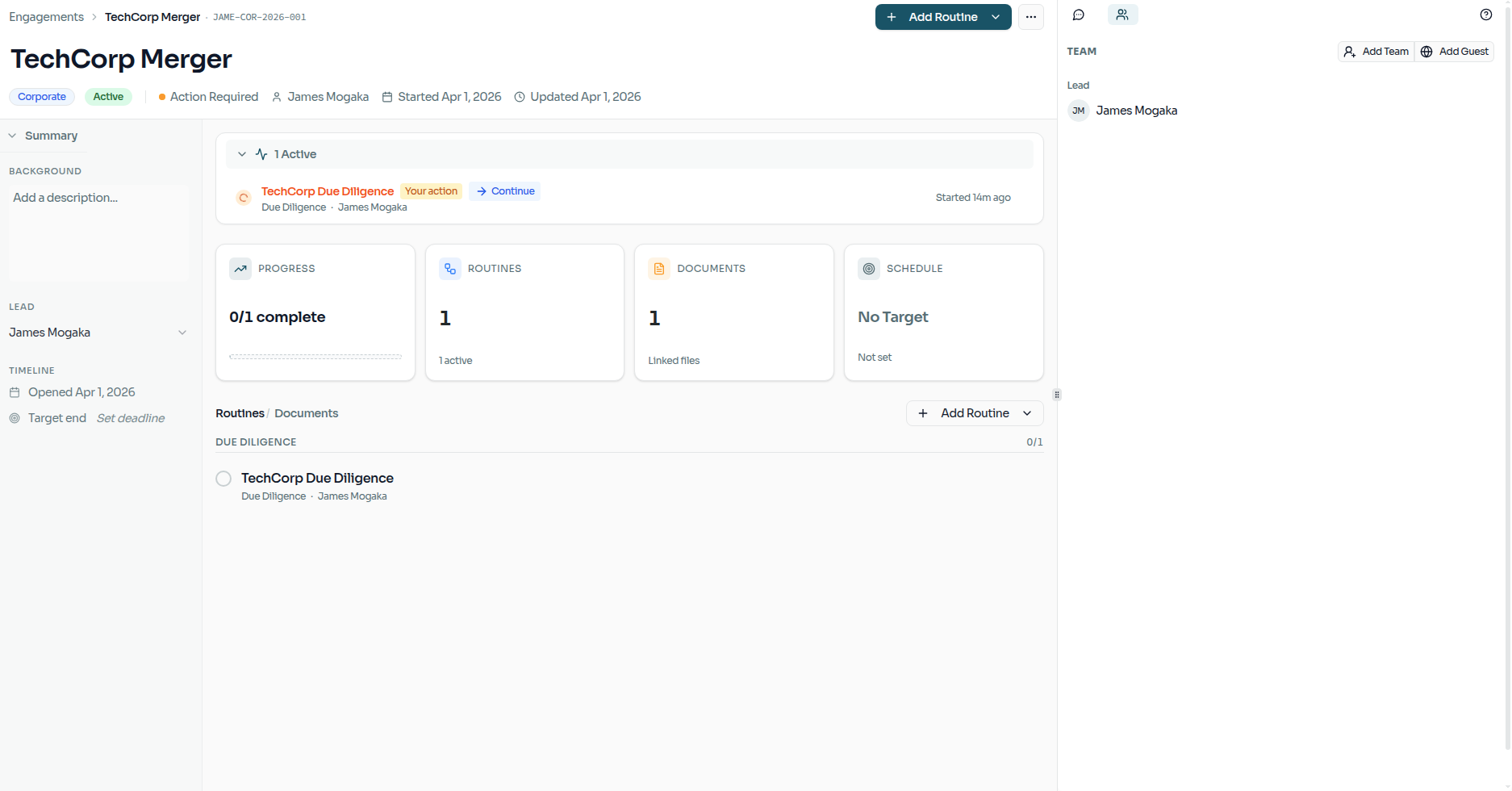
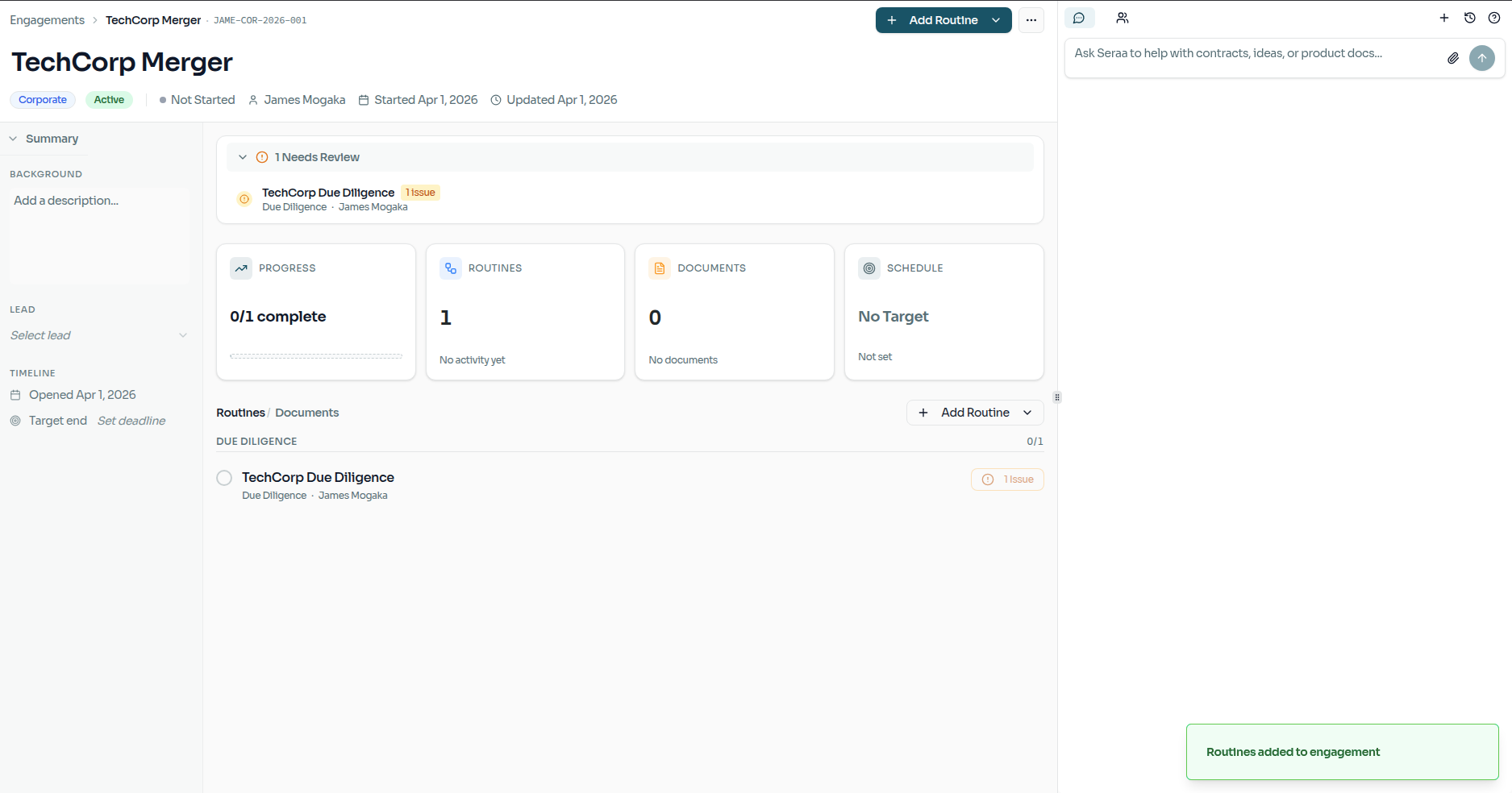
If a routine encounters a missing piece of information or an issue that requires your attention, it will surface as a blocker. You can review and resolve these blockers directly from the sidebar to keep the matter moving forward.
Monitoring Progress
Once your routines are in motion, you can track their active state and completion directly from the engagement view. This gives you and your team a real-time pulse on the matter's lifecycle.